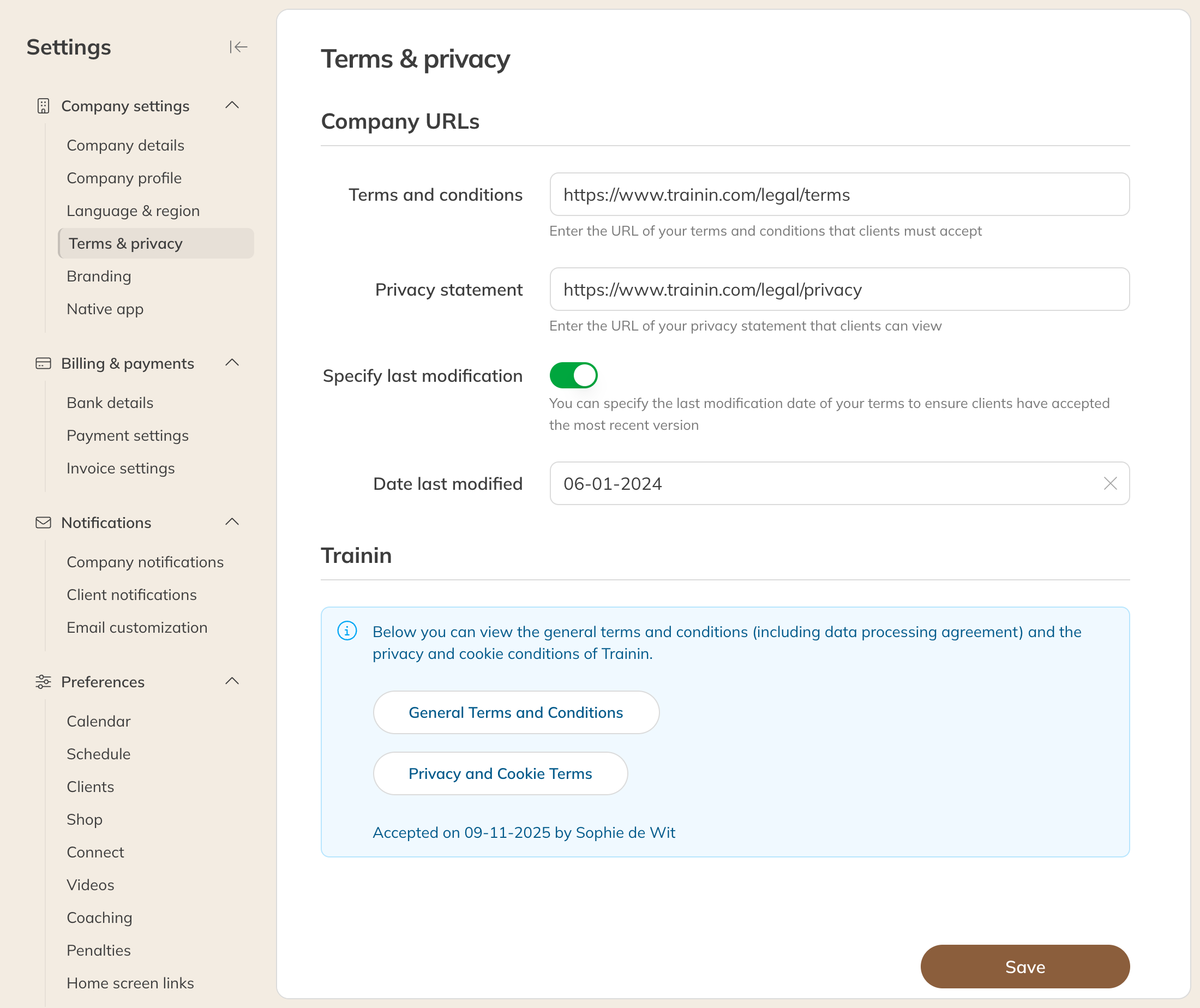
- Go to My company → Settings → Terms & privacy.
- Under Company URLs, enter the link to your Terms and your Privacy statement. You put the pages themselves on your own website.
- Changed your terms? Turn on Specify last modification and choose the Date last modified.
- Click Save.
Terms & privacy
What clients see
As soon as there is a link to your terms or privacy statement:
- new clients have to accept the terms when they sign up;
- existing clients who haven't accepted yet get a message on their home page in the app, with the I agree button. They also have to accept before checking out.
If you have filled in a Date last modified, everyone who accepted before that date has to agree again, in the same way.
Note: Only the client can accept the terms. You can't do it on the client's behalf.
Trainin's terms
Under Trainin on the same page you find Trainin's terms and conditions (including the data processing agreement) and the privacy and cookie terms. Below them you see when and by whom they were accepted. If they need to be accepted (again), you see this on your dashboard.