- Go to My company → Settings → Bank details.
- Fill in the Account holder, the Account number and, optionally, the BIC.
- Click Save.
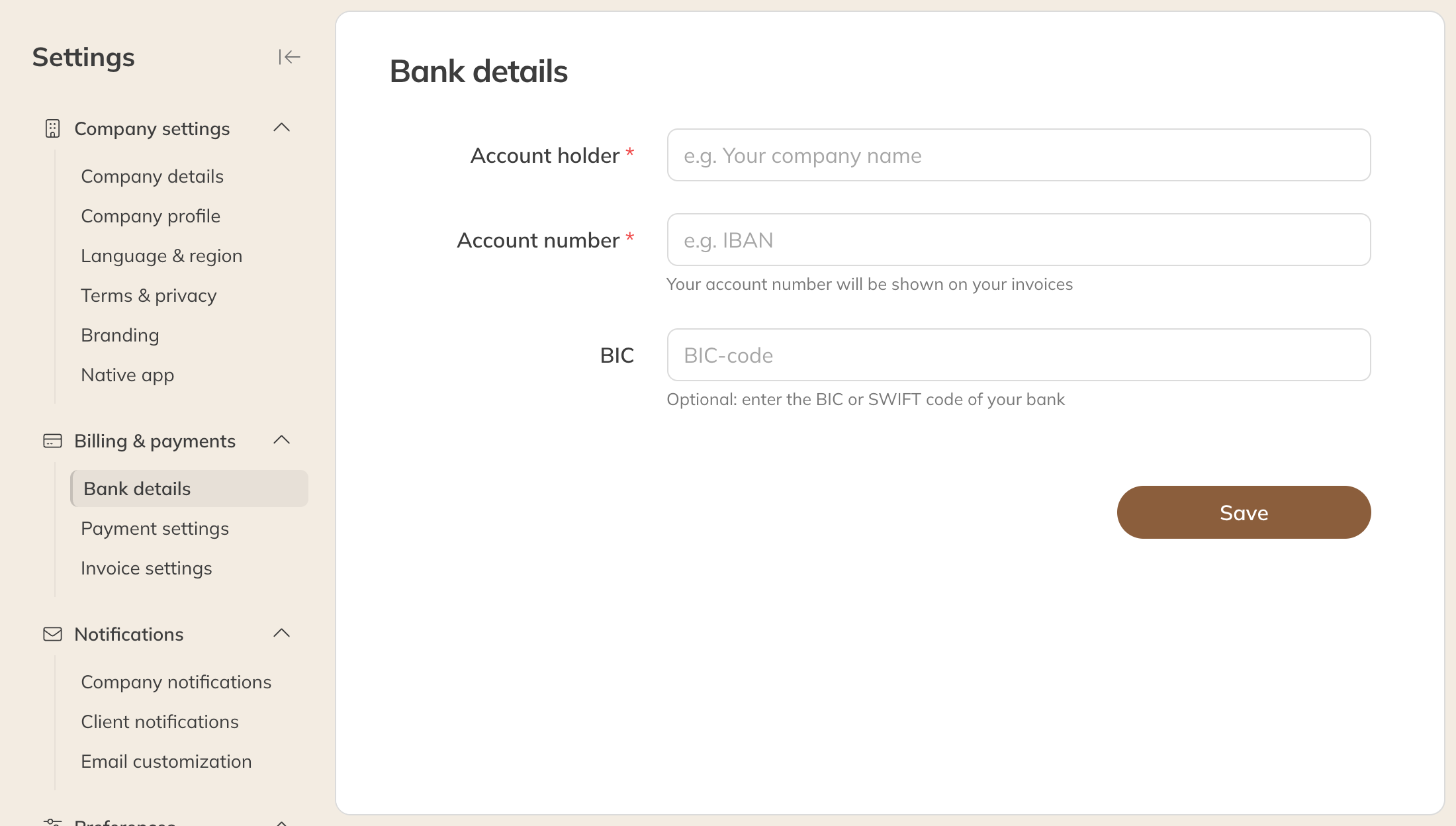
Bank details
What changes
- The account number appears on the invoices you send to clients.
- Do you already pay Trainin by direct debit and change the account number or the account holder's name? Then Trainin moves the direct debit to the new account. You then see Bank details saved. We're updating your direct debit mandate. After that you get an email at your invoice email address, or otherwise at your general email address.
- Changing only the BIC doesn't affect the direct debit.
Note: Only you can change your bank details. Trainin support can't do this for you.
Change it at Mollie too
Do you receive online payments through Mollie? Mollie pays out to the account number Mollie has on file. Trainin doesn't change that for you: change it in your own Mollie account as well.