Go to My company → Activities and click Options (the three dots) next to the activity. You can also choose the same actions via More on the activity's page.
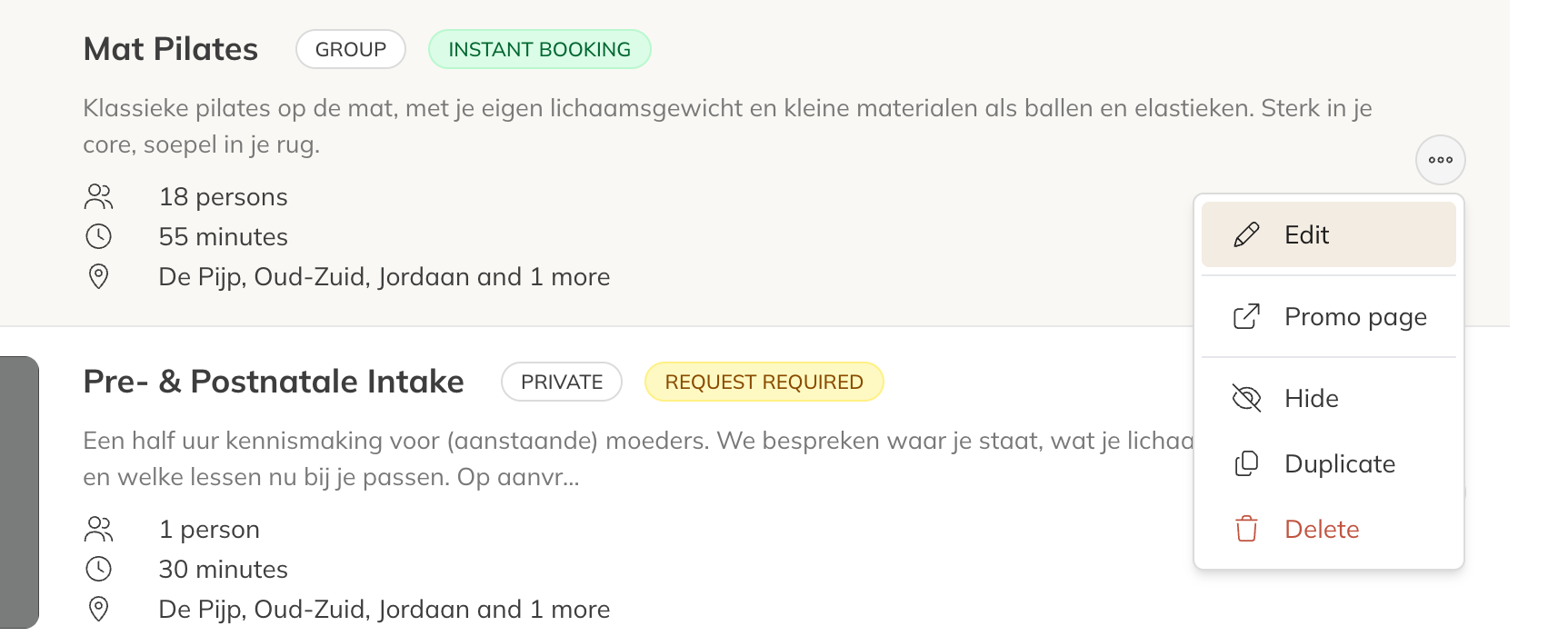
The options for an activity
Duplicating
Choose Duplicate and then Yes, duplicate activity. You get a copy with the same settings, instructors, locations, linked products, client groups and photos. Sessions in the calendar aren't copied. Then change the name and anything else that's different.
Hiding
Not offering an activity for a while, or for good? Choose Dismiss and then Yes, hide activity. Clients then no longer see the activity and can't book it. Sessions in the calendar stay where they are, and so do their bookings. Use Show to bring it back.
You can also set this under More settings → Visibility in the activity. A hidden activity isn't shown on your company profile, and its promo page doesn't work.
Sharing the promo page
Every activity has its own promo page with the description, the photos and the upcoming sessions or times. Choose Promo page and click Copy to share the link on your website, in a newsletter or on social media. Use View to open the page yourself.
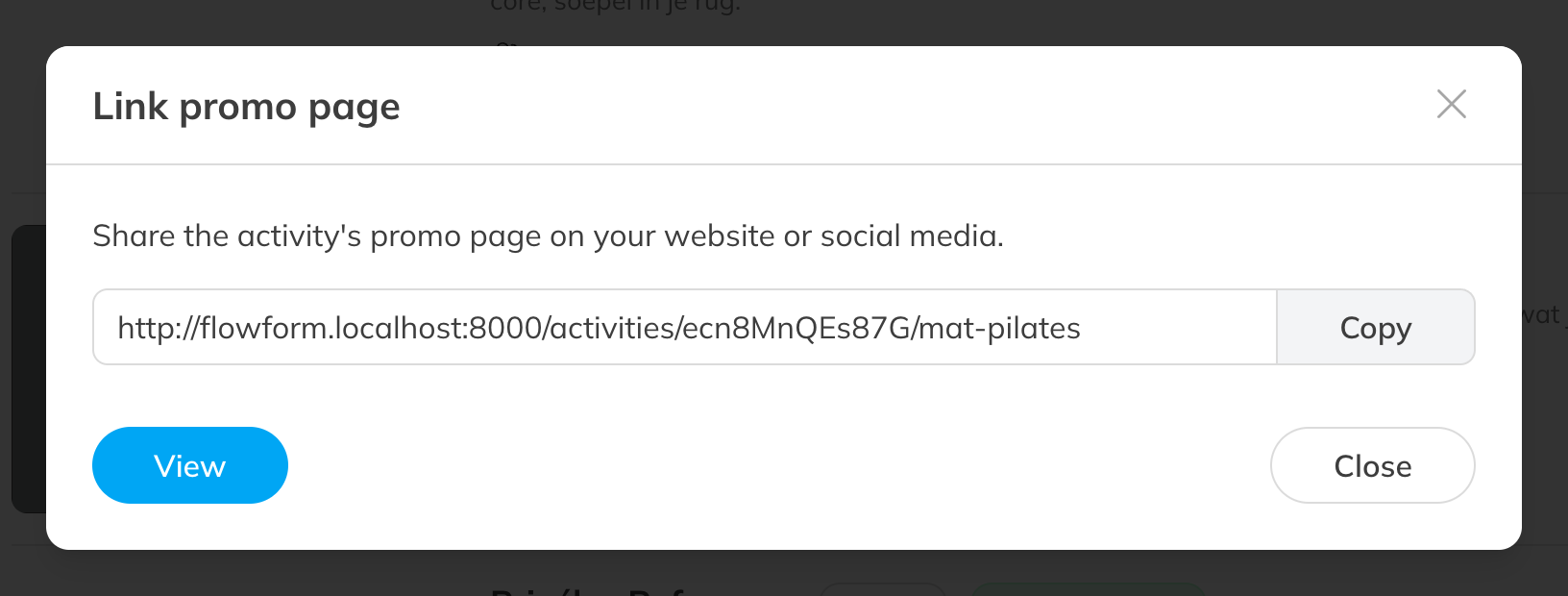
The link to the promo page
The promo page also has a Share button, which you (or your client) can use to share the page straight to Facebook or X.
Deleting
- Choose Delete.
- If the activity still has upcoming sessions, you see how many. Tick Yes, delete this activity and cancel the upcoming sessions and type the number of upcoming sessions to confirm.
- Click Yes, delete activity.
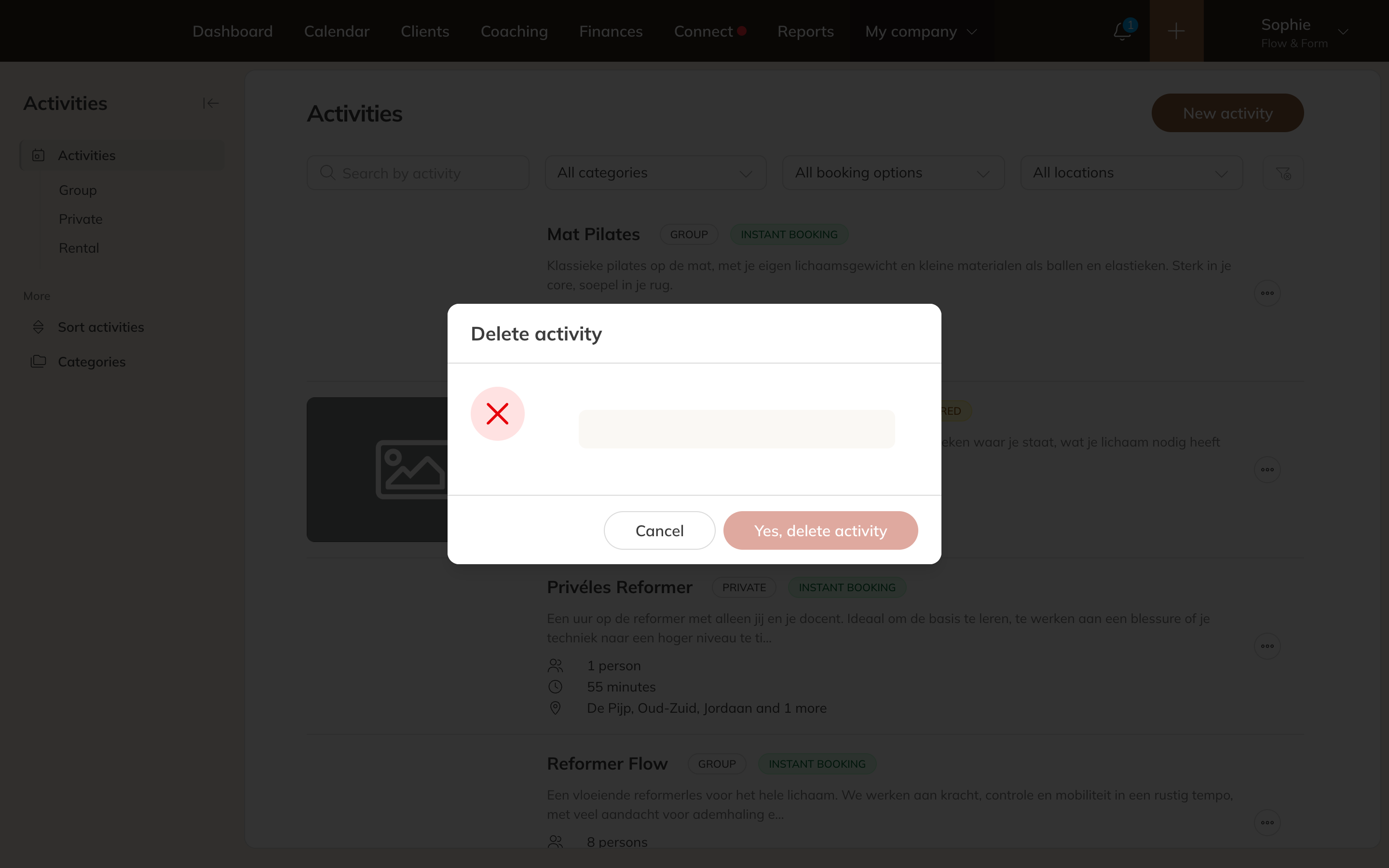
Deleting an activity
What happens then:
- All upcoming sessions are cancelled and series stop. This happens in the background and can take a few minutes.
- Participants get their credits back.
- Message to participants and instructors: None. If you want to inform clients, send a message yourself or cancel the sessions in the calendar first (see Cancelling a session or series).
- The activity is removed from the products and availability it was linked to.
Note: Deleting can't be undone. If you just don't want to offer the activity anymore, choose Hide activity instead: the upcoming sessions then stay in place.