Want to make a first visit as easy as possible? Then you can let people make a free booking without first creating an account with a password.
- Go to your company's Client settings (Settings → Preferences → Clients).
- Under Booking without an account, choose Allowed and save.
- Create a free product, for example a free trial class, and link it to the activity under Credit products.
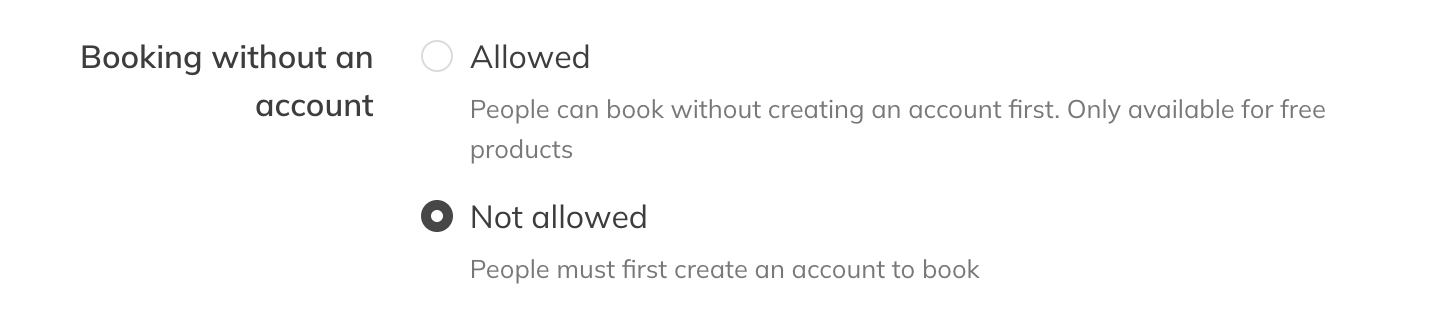
Allowing booking without an account
What the client sees
When someone books a session and the order is free, they only fill in their details at checkout. No password is needed. Anyone who wants to can still create an account right away.
Note: This only works if the whole order is free and includes a booking. If something has to be paid, the client does have to create an account first.