You set this under Settings → Billing & payments → Payment settings, under Recurring payments.
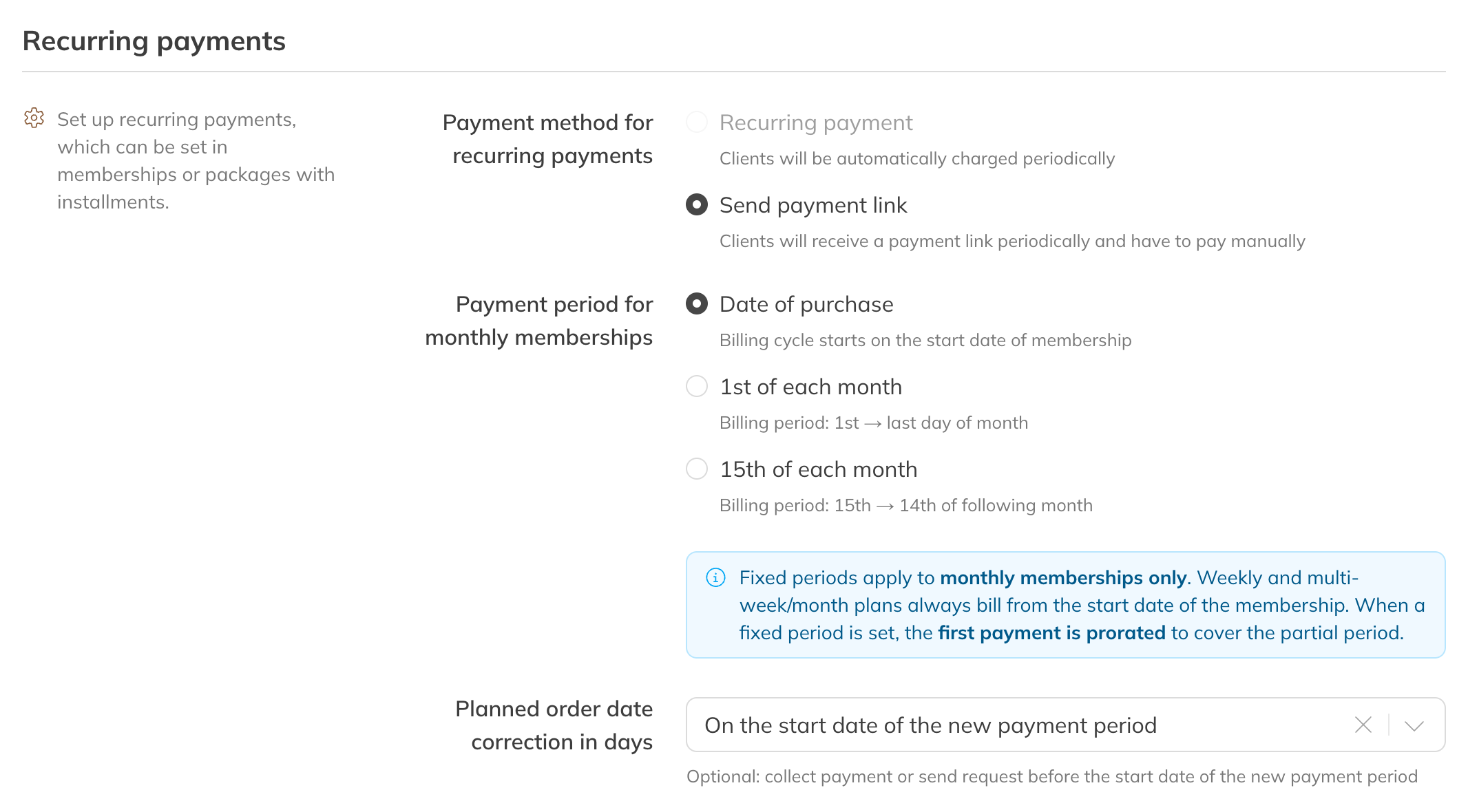
Payment period and correction in days
Monthly membership payment period
| Option | What happens |
|---|---|
| Date of purchase (default) | The payment period starts on the membership's start date. If a client starts on the 17th, they pay on the 17th of every month. |
| 1st of each month | Each period runs from the 1st to the last day of the month. |
| 15th of each month | Each period runs from the 15th to the 14th of the following month. |
If you choose the 1st or the 15th, the first payment is prorated for the part up to the first fixed date. After that, the client pays the full amount every month.
Note: A fixed date only applies to monthly memberships. Memberships per week or per a number of weeks are always collected from the membership's start date.
Sending earlier: correction in days
A direct debit takes a few working days. If you want the money in by the start date of the new period, use Planned order date correction in days to choose how many days earlier the payment is collected or the payment request is sent: from On the start date of the new payment period (default) to 5 days before.
Tip: You can see the date a payment will be sent for each payment under Finances → Scheduled, in the Date column.