Clients see their payments in the app or on the website under Products, on the Payments tab. For each payment they see the date, the product, the amount and the status.
- If there's an invoice, the client opens it with View invoice and can download it.
- If a payment is still open, the client completes it there with Checkout.
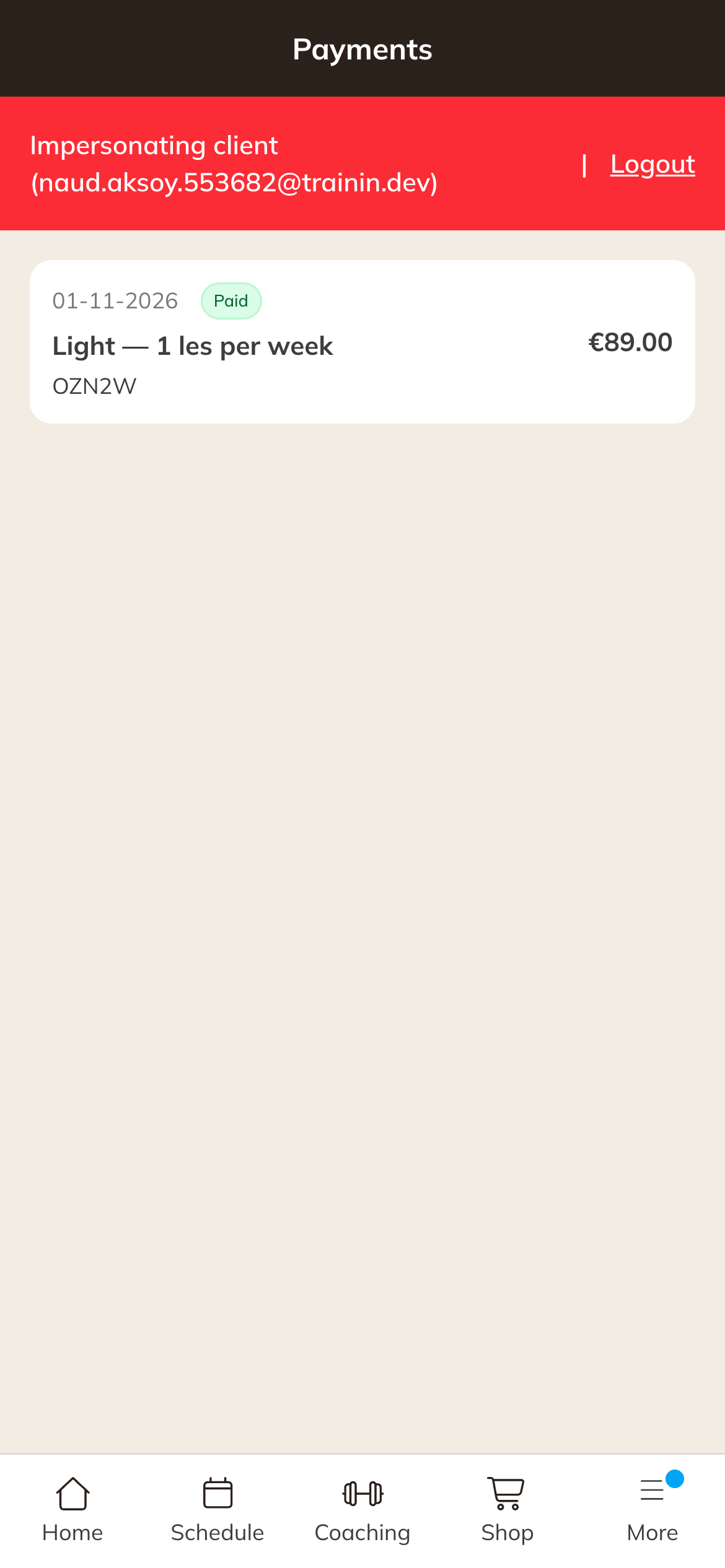
Payments in the client's app
Note: A client only sees an invoice if one has been created. Read Automatic invoice after payment.