How to Request Your Native App in the App Store & Google Play
Estimated Reading Time: 3 minutes
Applies to: Pro and Premium
Quick Summary
You can request your own branded Trainin native app for clients so clients can download it directly from the App Store and Google Play Store by sending an e-mail to support@trainin.com.
A native app increases your visibility, improves communication through push notifications, and gives your clients a familiar way to access your services.
Why This Matters
A native app helps position your business as a professional brand.
Clients can easily download your app from the app stores, receive push notifications, and stay connected with your services in a more direct way.
It also improves discoverability for new clients searching for fitness services in the Apple App Store or Google Play Store.
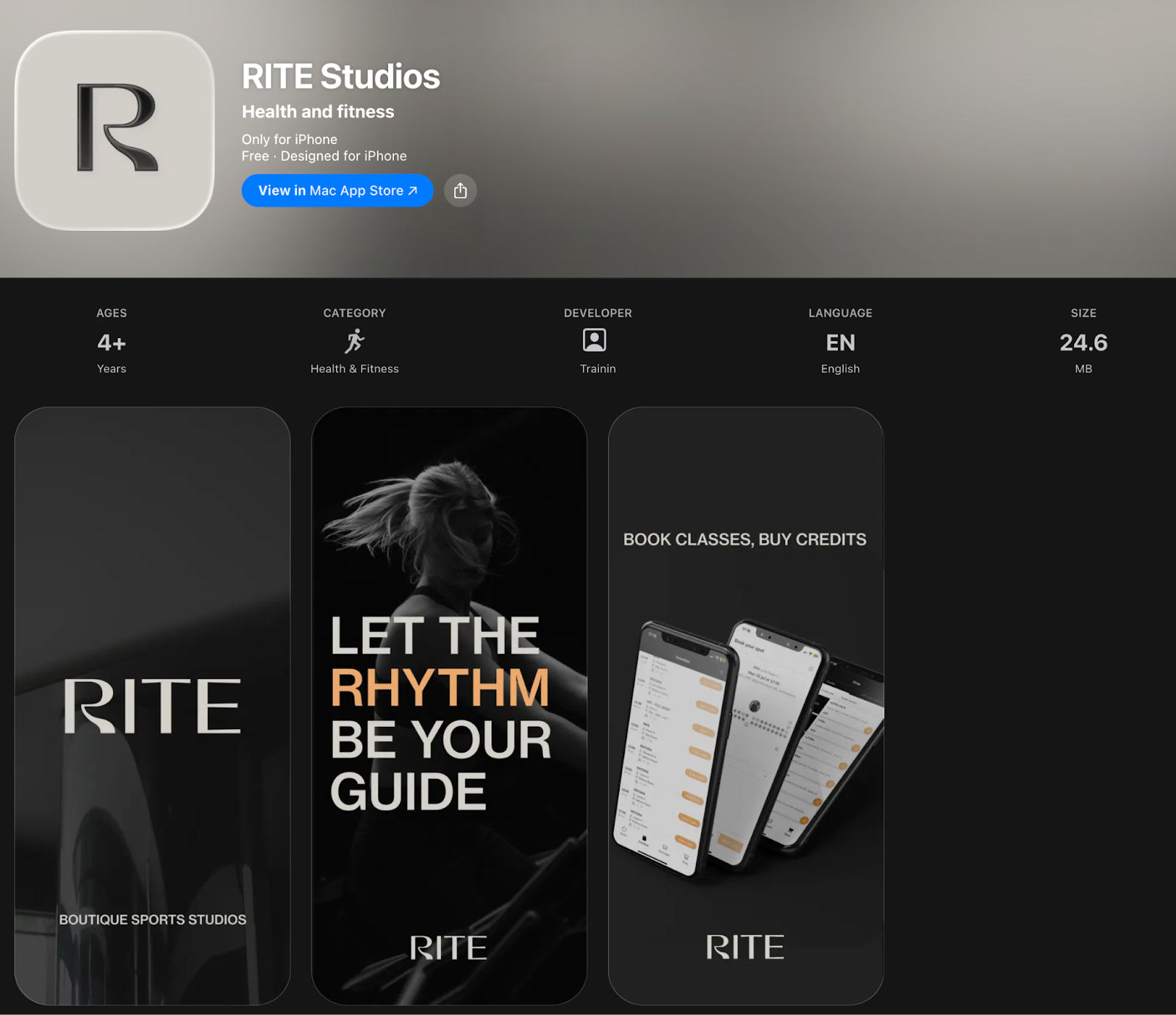
Step by Step Approach
Step 1: Request your native app via email: Email > support@trainin.com
– Send an email to support@trainin.com confirming you want to request a native app.
Please include:
– Your company logo (PNG transparent Format)
– Your privacy policy link - this must be in a URL format: HTTML. *Otherwise we cannot submit your app and the proces will have a delay.
With this, we can create logos for your app and with your Privacy policy we can quickly request your app on our side. Otherwise, please follow the next steps:
Step 2: Add your logo & update information through My company > Settings > App & Portal > Native app
– Provide the logo that should appear as the icon for your native app in the App Store and Google Play Store.
Step 3: Prepare your privacy policy page: Public Website > Privacy Policy Page URL
– You must provide a public web page that contains your company’s privacy policy. The page must be accessible via a public HTML link.
– We need a webpage containing your company’s privacy policy. It must meet the following requirements:
It must be a webpage.
It must be accessible via an HTML link.
The page must be publicly accessible.
If you do not yet have a privacy policy, you can easily create one using this tool: https://www.freeprivacypolicy.com/free-privacy-policy-generator/
Step 4: We will develop and request your native app for clients. This process can take up to 3 weeks (depending on Google & Apple).
Best Practice
Use a clear and recognizable logo so your app is easy for clients to identify in the App Store and Google Play Store.
Make sure your privacy policy page is publicly accessible and clearly explains how client data is handled.
This helps avoid delays during the app approval process.
Common Questions
Can every plan request a native app?
– Native apps are available for Pro and Premium plans. They are not available on the Starter plan.
Do I need my own privacy policy?
– Yes. App stores require a privacy policy page that explains how your business handles user data.
What if I do not have a privacy policy yet?
– You can create one using an online privacy policy generator and publish it as a public web page.
Do I need to create the app screenshots myself?
– No. Trainin will normally create the required screenshots for your app store listing.
If you would like to know more about our Pro, Premium or Add-Ons, send us an email to support@trainin.com.
Next logical steps
– Trainin Add-Ons: Overview of Available Features