Trainin Add-Ons: Overview of Available Features
Estimated Reading Time: 5 minutes
Applies to: Pro and Premium
Quick Summary
Trainin Add-Ons allow you to expand your platform with additional features that enhance your offering, improve operations, and create a more professional experience for your members. Please not that all of the Add-On features are included in the Premium package.
Why This Matters
Every studio or gym operates differently. Add-Ons give you the flexibility to tailor Trainin to your business model and growth ambitions.
Whether you want to offer push notifications, improve coaching, automate access, reduce no-shows and late cancellations, or manage your space more efficiently, our Add-Ons give you the tools to do it.
Additional features
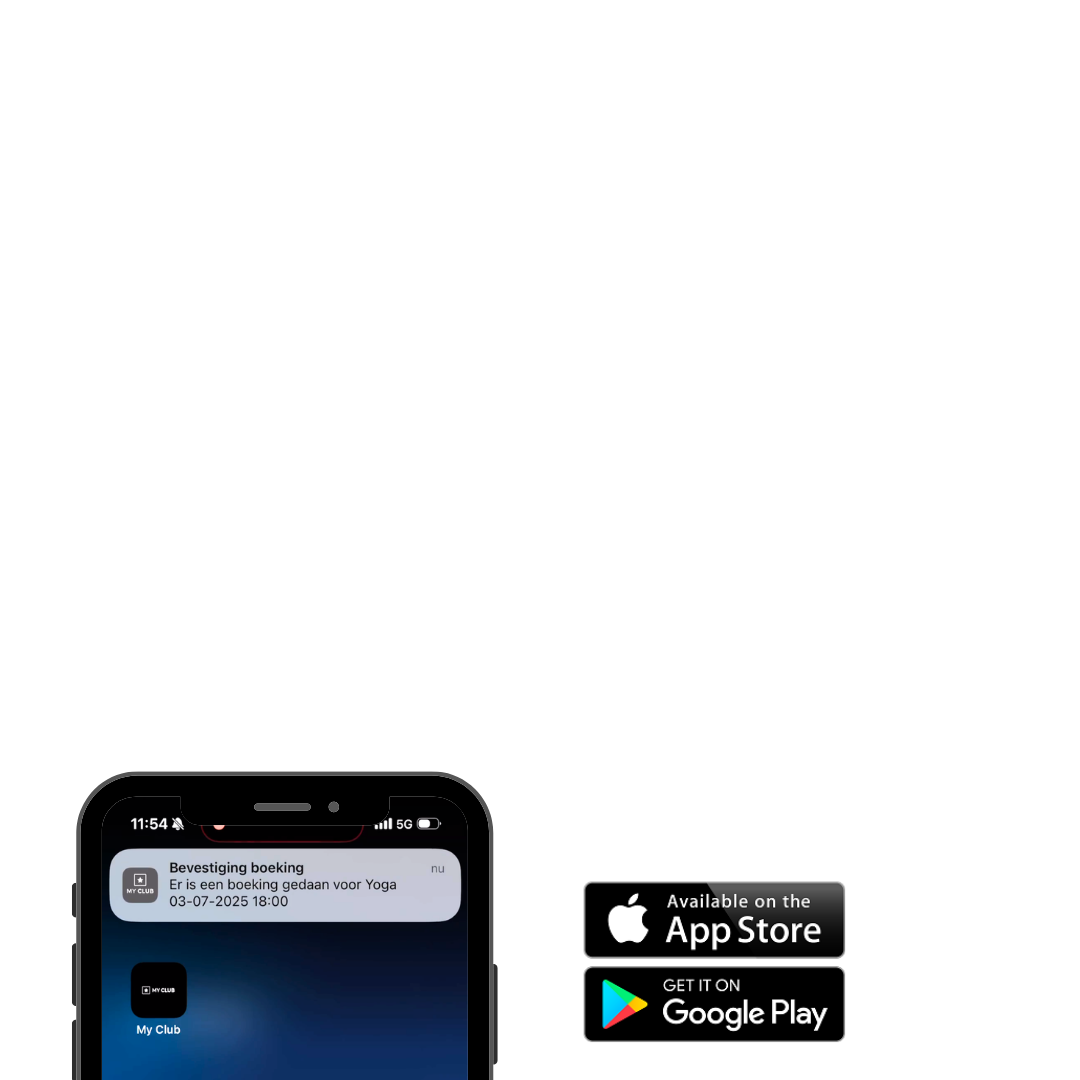
Native App
– Launch your own branded app in the App Store and Google Play Store.
– Offer your members a professional and fully customized experience.
– Communicate directly with members through push notifications.
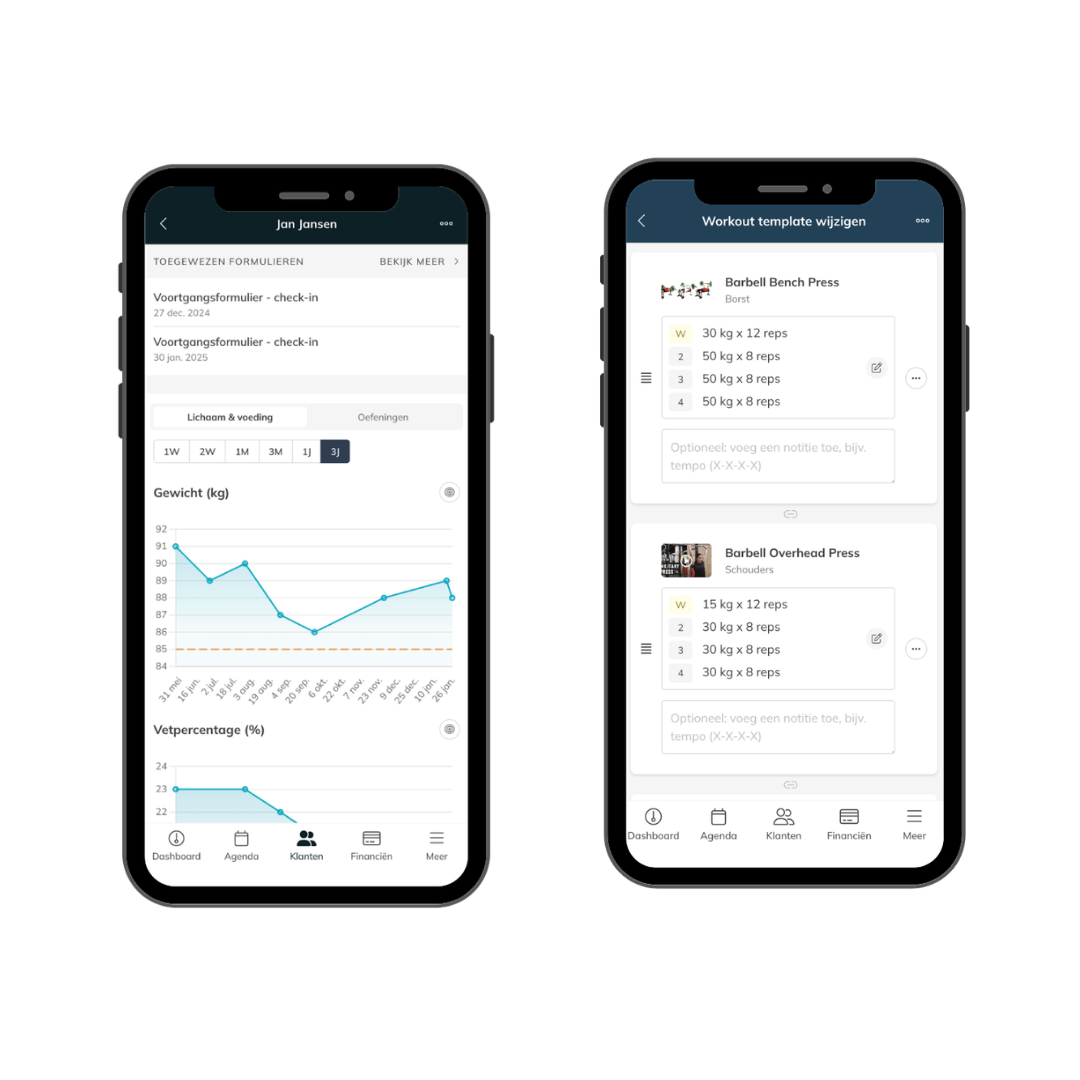
Coaching Module
– Create and manage personalized training programs for your members.
– Use a library of 2500+ exercises with video and descriptions.
– Track member progress with clear dashboards and insights.
– Offer structured programs and daily workouts.
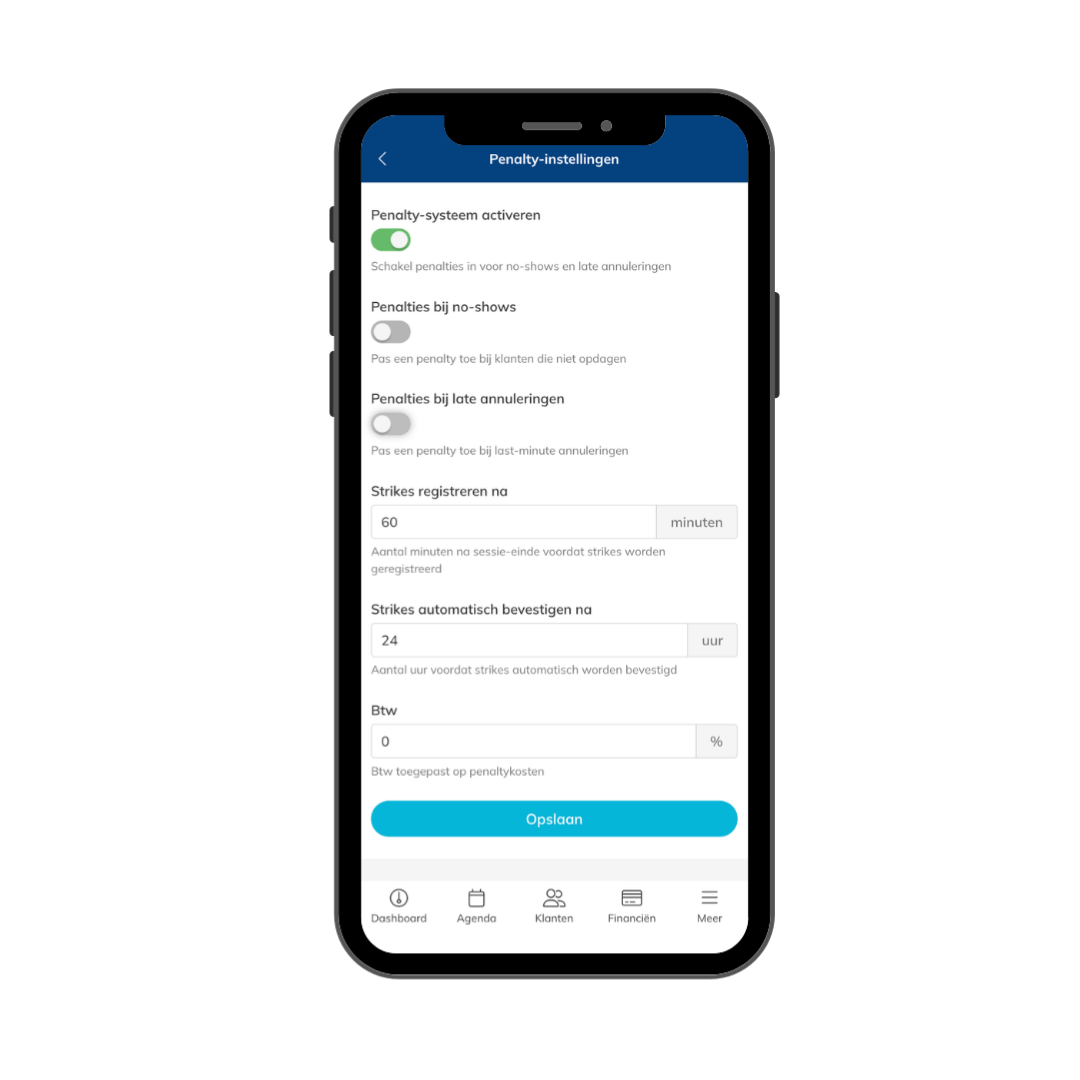
Penalties
– Set clear rules for late cancellations and no-shows.
– Automatically apply penalties to protect your schedule and revenue.
– Encourage members to commit to their bookings and show up on time.
– Reduce empty spots in classes and last-minute cancellations.
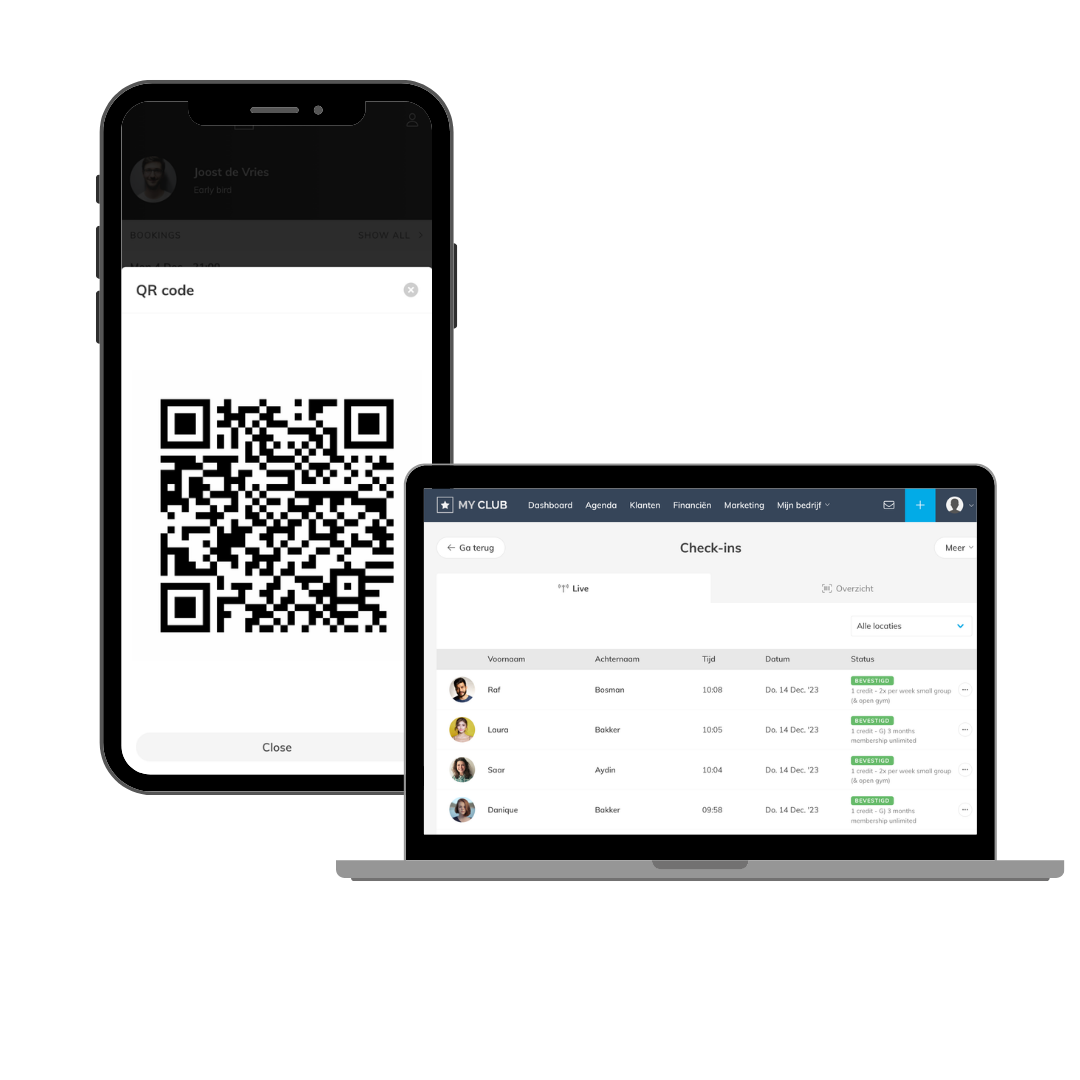
Check-in
– Control access to your studio and ensure only active members can enter.
– Automatically register attendance for sessions.
– Work with different setups such as scanners, tablets, smart locks, or turnstiles.
– Enable flexible access, including 24/7 entry if needed.
Spot Booking
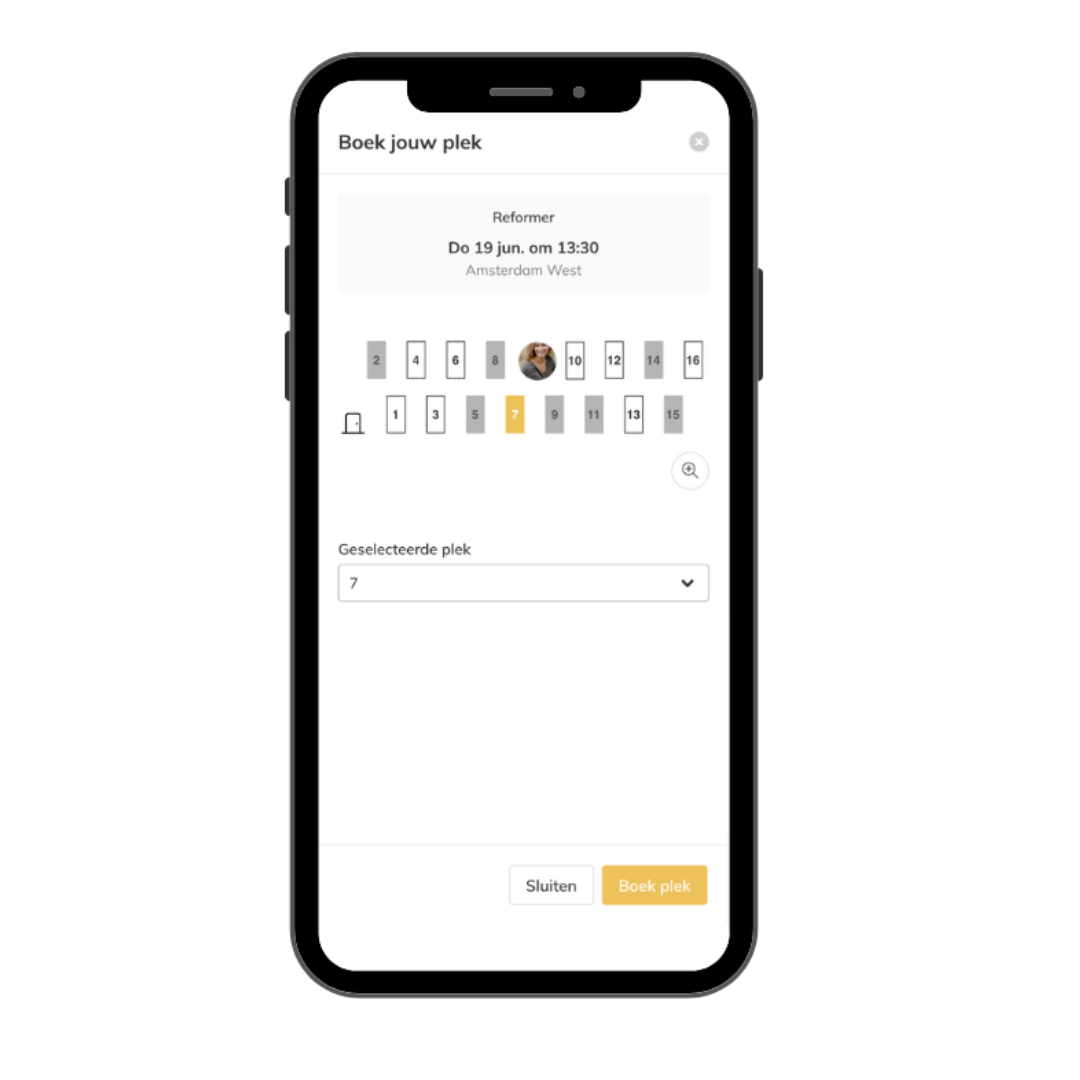
– Let members reserve a specific spot in a class or training session.
– Provide a visual layout so members can choose their preferred place.
– Improve structure and create a more premium booking experience.
Space Management & Rental
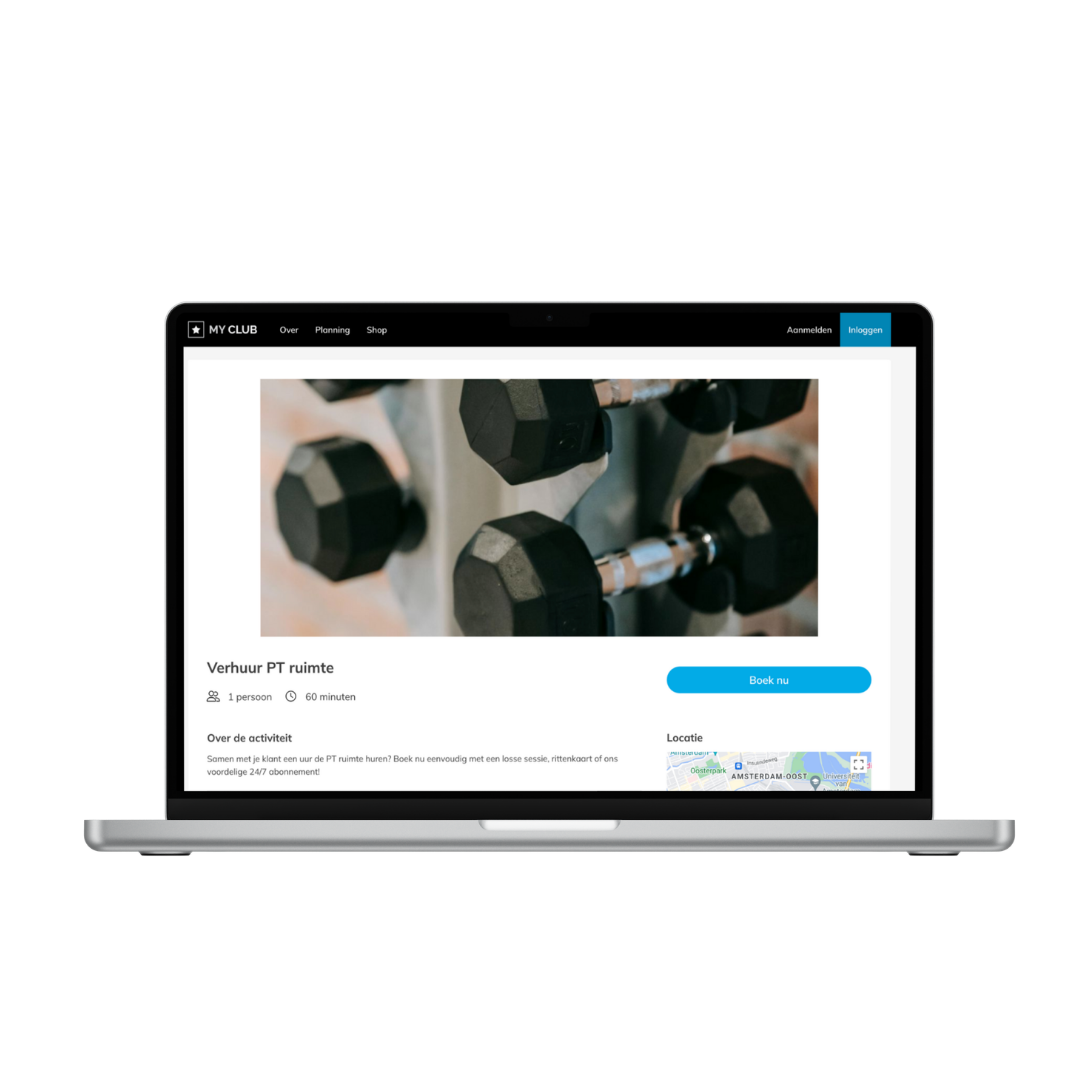
– Manage rooms, equipment, or fields within your business.
– Assign spaces to sessions and control capacity.
– Rent out spaces or equipment to external users.
– Set availability of spaces or equipment per location.
How Add-Ons Fit Into Your Setup
Add-Ons integrate directly into your existing setup and work alongside your Products, Schedule, and client management.
You can activate them at any time and expand your setup without changing your current workflows.
Best Practice
Choose Add-Ons based on how you want to grow your business, whether that’s improving member experience, increasing revenue, or optimizing operations.
Start with the Add-On that has the most direct impact on your members.
— For example, the Native App allows you to communicate instantly through push notifications and stay top of mind.
— For example, the Coaching module gives your customers a visual and graphical overview of their progress since they started working with you.Use Add-Ons to create a more premium and professional experience.
— For example, Spot Booking lets members choose their preferred spot, bike, or equipment in class.Combine multiple Add-Ons to strengthen your setup.
— For example, combine Penalties with Check-in to automatically track attendance and apply penalties for no-shows.Review your setup regularly and expand as your business grows.
—Trainin is built to scale with your studio.
Common Questions
Are Add-Ons included in my plan?
– Add-Ons are included in the Premium plan and can be added separately to the PRO plan.
Can I activate multiple Add-Ons?
– Yes, you can combine multiple Add-Ons depending on your needs.
Do Add-Ons require changes to my current setup?
– No, they integrate into your existing system without requiring major changes.
How do I activate an Add-On?
You can contact us at support@trainin.com to activate specific Add-Ons and receive more information about pricing and setup.