When a client creates an account themselves or buys something, Trainin asks for some details. You decide which of them are required.
- Go to your business's Settings and under Preferences choose Clients.
- Under Client details, choose what you want for each detail.
- Click Save.
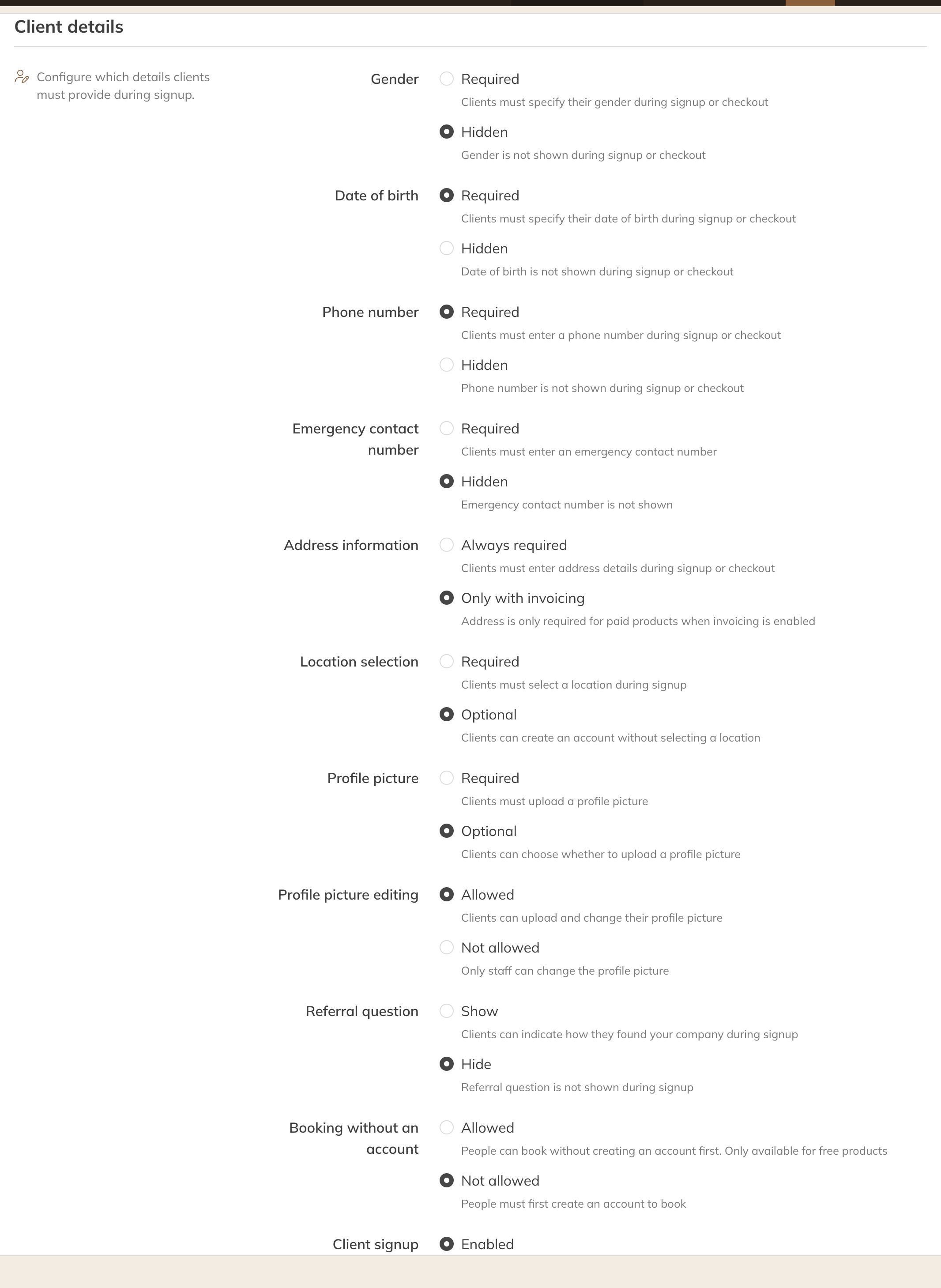
Client details in the client settings
| Detail | Choices |
|---|---|
| Gender, date of birth, phone number, emergency phone number | Required or Hidden: the field isn't asked for. |
| Address details | Always required, or Only with invoicing: an address is then only needed for a paid product if you create invoices. |
| Location choice | Required or Optional: does the client choose a location when signing up? |
| Profile picture | Required or Optional. With Profile picture editing you decide whether the client can change the picture themselves. |
| "How did you find us?" | Show or Dismiss when signing up. |
On the same page
- Booking without an account: people can sign up without an account. This only works for free products.
- Client signup: if this is set to Disabled, clients can't register themselves and only staff create accounts.
- Family accounts: see Family accounts.
Note: A required field applies to clients who sign up or check out. As a staff member, you can create a client without those details.