You create a duo training or semi-private class as a group activity with a small group size, not as a private activity. With a private activity only one person can book; with a group activity each participant books their own spot.
- Go to My company → Activities and click New activity.
- Choose Group, give it a name, for example Duo training, and click Next.
- Set the Group size to 2 (or 3 for semi-private).
- Choose the instructors and locations, and under Credit products the products clients can book with.
- Click Save.
- Schedule the times in the calendar, as single sessions or as a series. See Scheduling a session or series.
Note: Because it's a group activity, availability doesn't apply here: clients only see the sessions you put in the calendar.
Booking together
Want one client to be able to book the training for themselves and a partner? Under More settings → Booking for multiple people, choose Client can book for multiple people. This only works with a single session or credit pack, not with a membership.
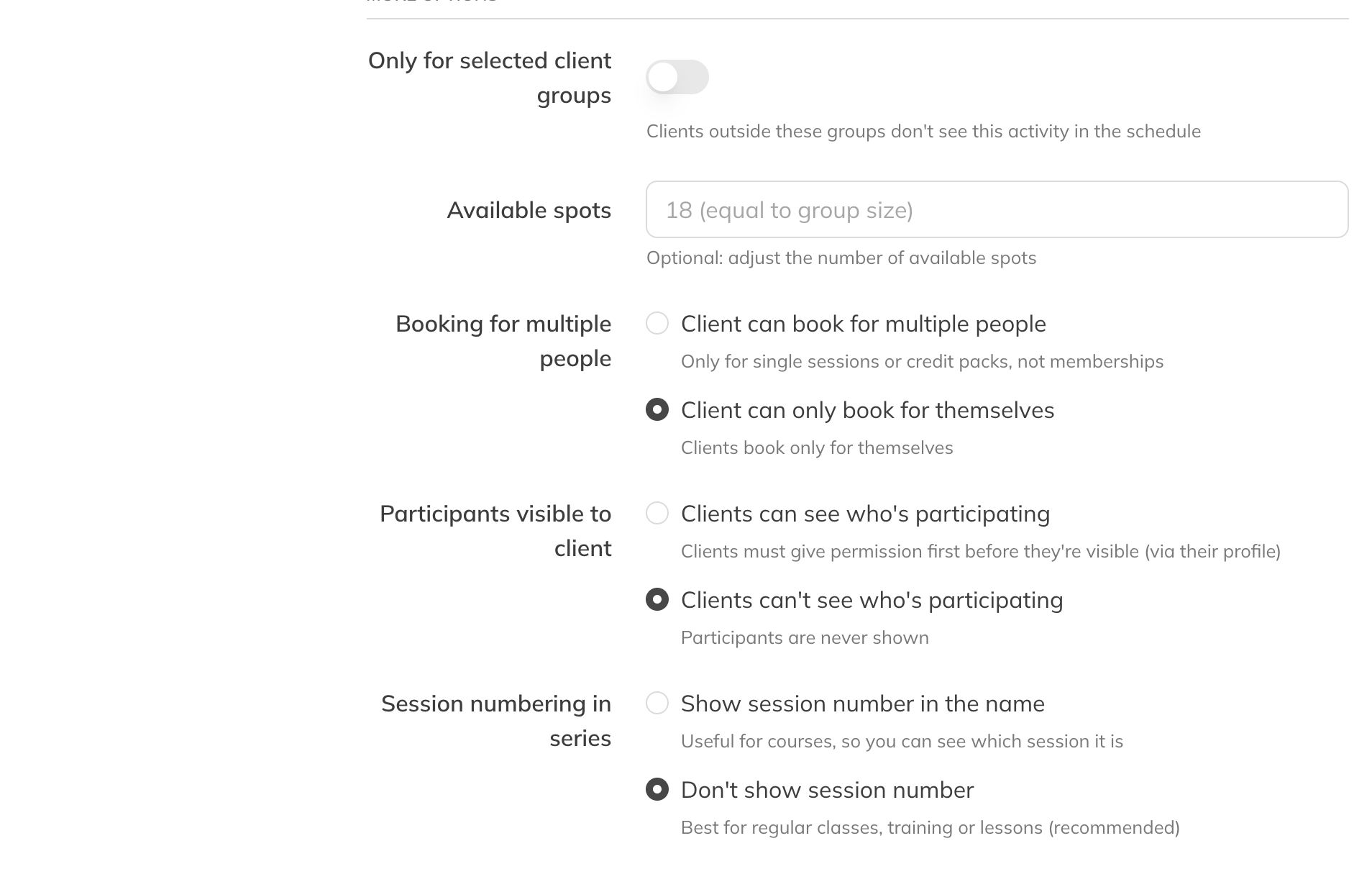
Available spots and booking for multiple people