A video collection is a single video, or a program with several videos and pages of explanation. Clients watch collections in the app under Videos. Videos are available in the Pro and Premium plans.
Trainin doesn't store videos itself. You upload your videos to YouTube or Vimeo and add them to a collection using their video ID.
Creating a collection
- Go to My company → Videos and click New video collection.
- Enter a Name, for example Technique for the basic exercises, and click Save. The collection opens.
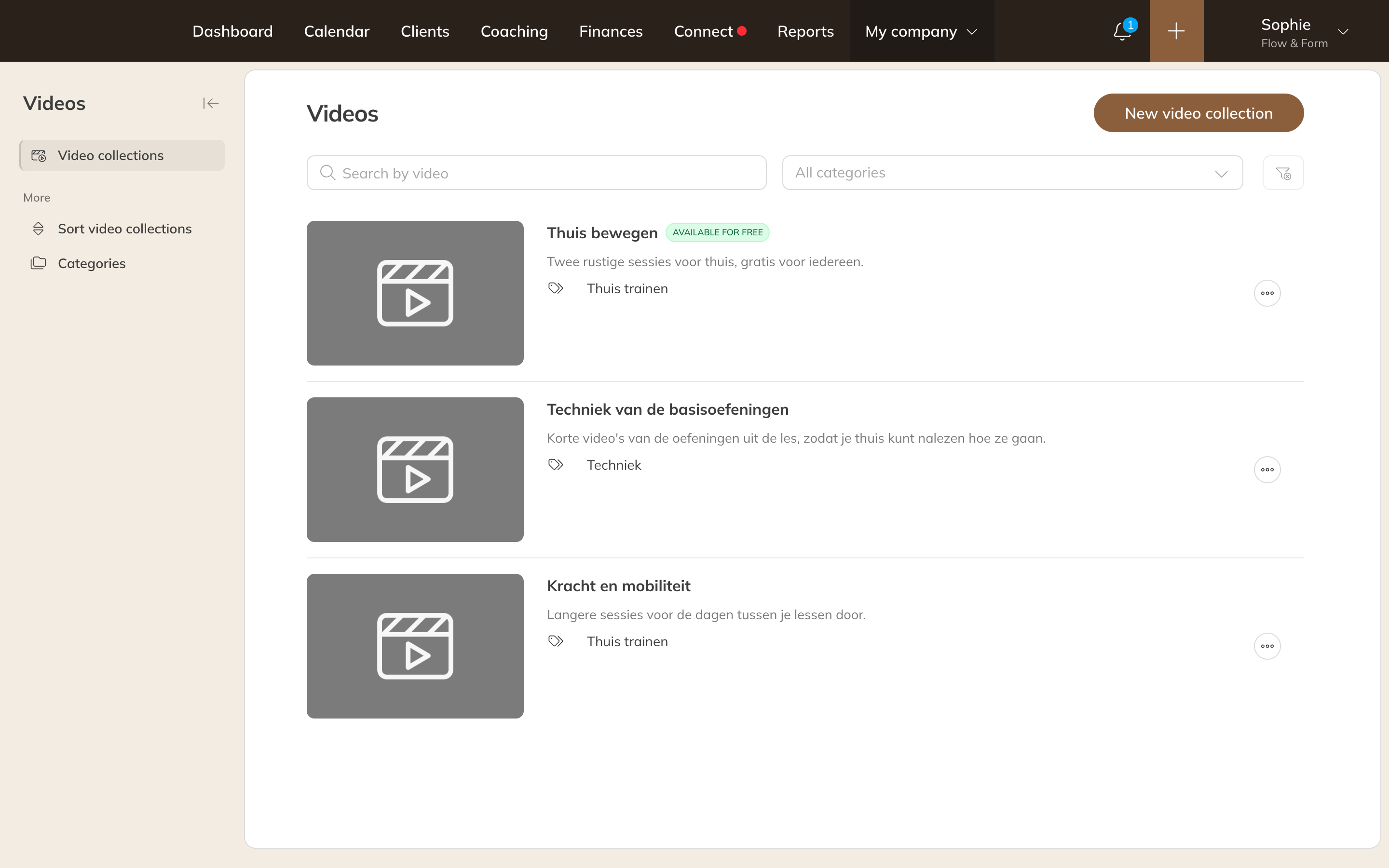
Your video collections under My company → Videos
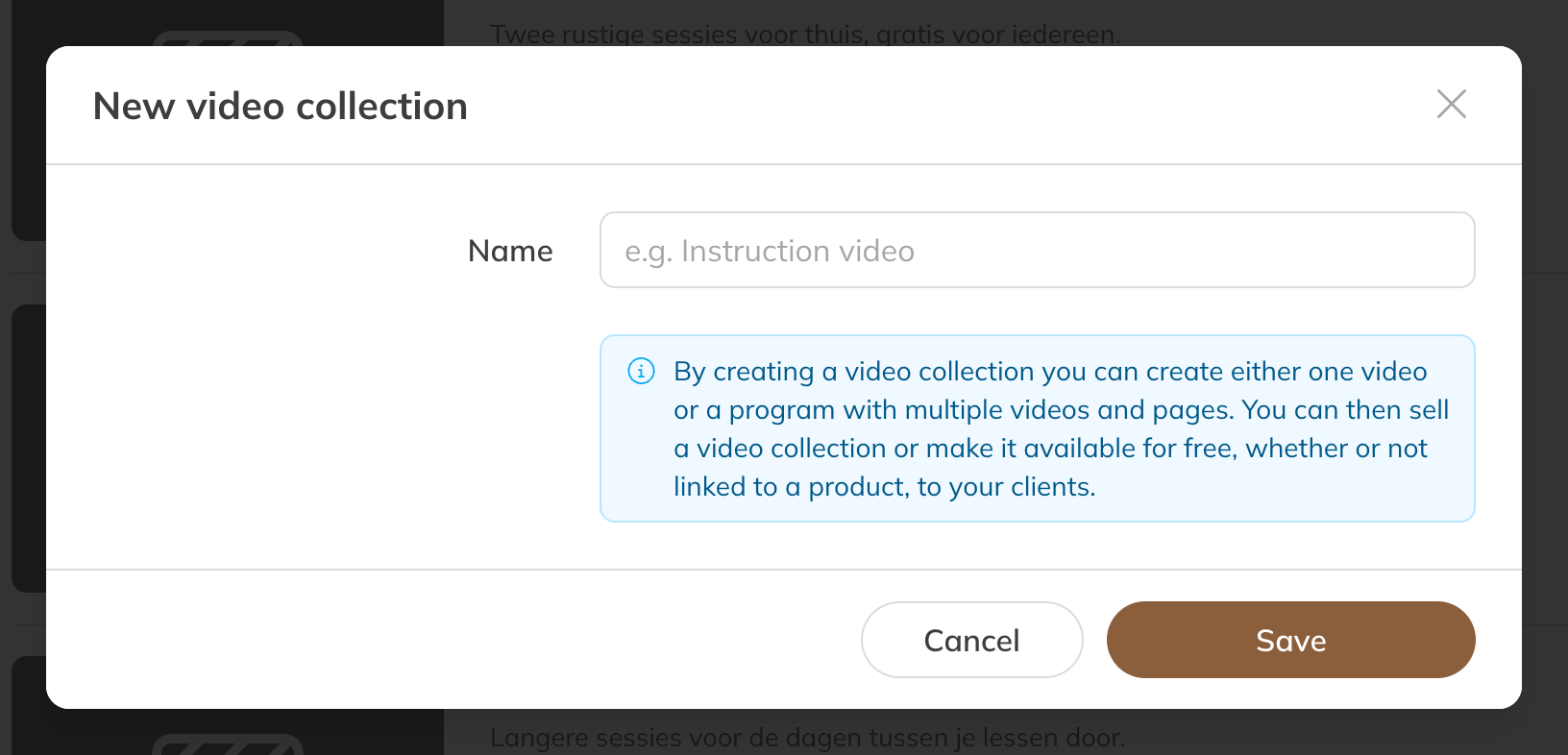
A new video collection
Details
- Category: clients can filter by category in the app.
- Description: what clients can expect from the collection.
- Picture: the image shown in the app. Ideally use a 3:2 photo larger than 1200 x 800 pixels.
- Available for free and Available to client groups: who can watch the collection without buying it. See Who can watch which videos?
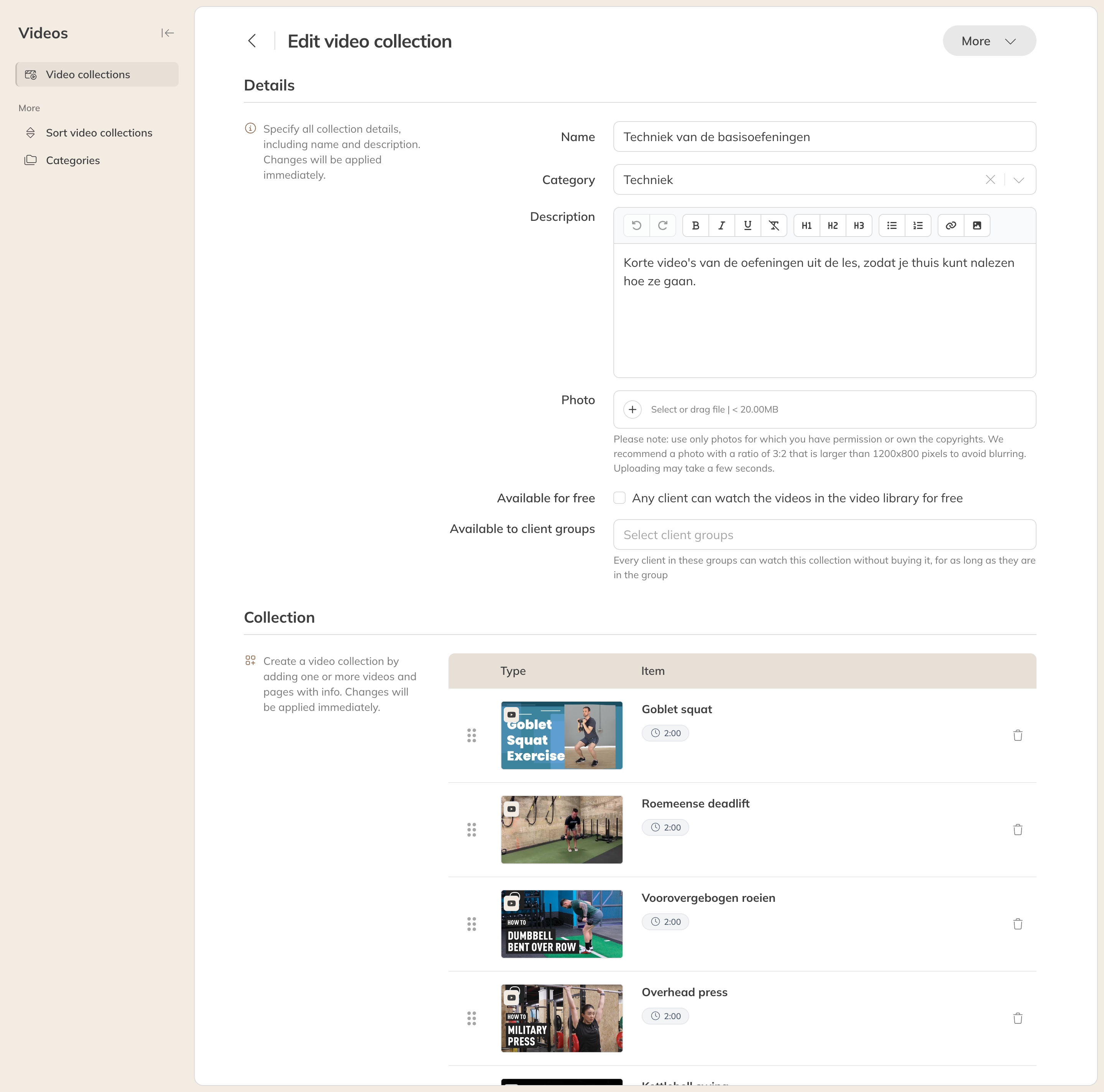
Editing a video collection
Adding videos and pages
Under Collection you add items:
| Item | What it is |
|---|---|
| YouTube | A video from YouTube. Enter the Video ID: the part of the link after v=. |
| Vimeo | A video from Vimeo. The Video ID is the part of the link after vimeo.com/. |
| Heading | A subheading to split the collection into parts, such as Week 1. |
| Page | A page of text, for example an explanation or a schedule. |
After entering the ID, click Search; the name and length are then fetched. Change the Name if you like, add a Caption if you want, and click Add video. Drag items by the handle on the left to change the order.
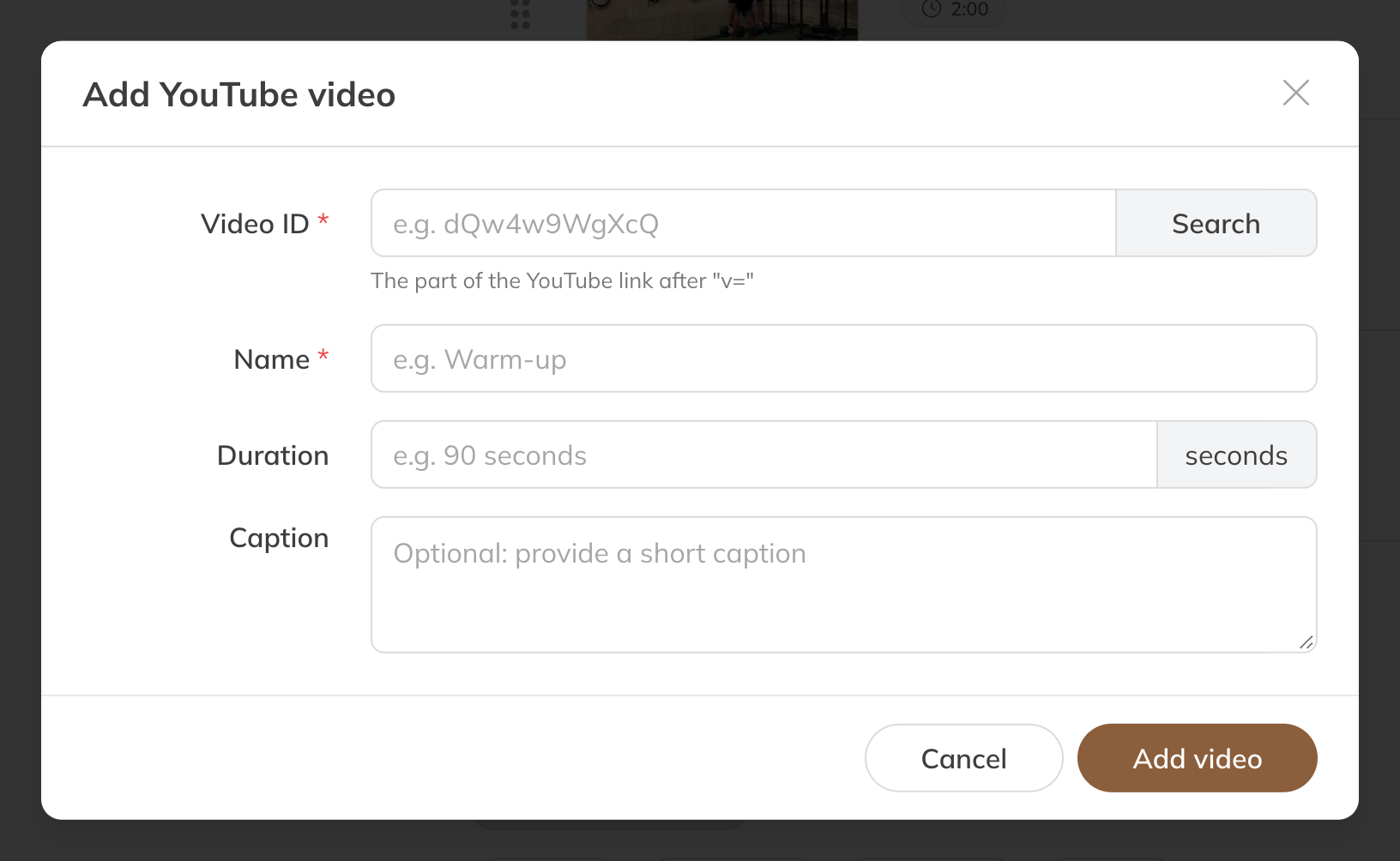
Adding a YouTube video
Click Save. Changes to a collection are visible to clients right away.
Tip: Clients can't see a video? Check in YouTube or Vimeo that the video is public and allowed to be embedded on other websites.
Managing collections
- Under More in a collection you'll find Link to video, Duplicate and Delete.
- Use Sort video collections to set the order in the app, and Categories to create and sort categories.