Want to sell a collection on its own, without a membership or credit pack? Then make it a retail product.
- Go to My company → Products and choose Retail on the left.
- Click New product and at Product type choose Video collection.
- Enter a name, for example Home training program, and click Next.
- At Video collection, choose the collection the client gets.
- If you want access to end, switch on Set validity and choose how many days, weeks, months or years the client has access, counted from the purchase date. Without a validity period, access stays.
- Enter the price and VAT, choose the Sales channels and click Save.
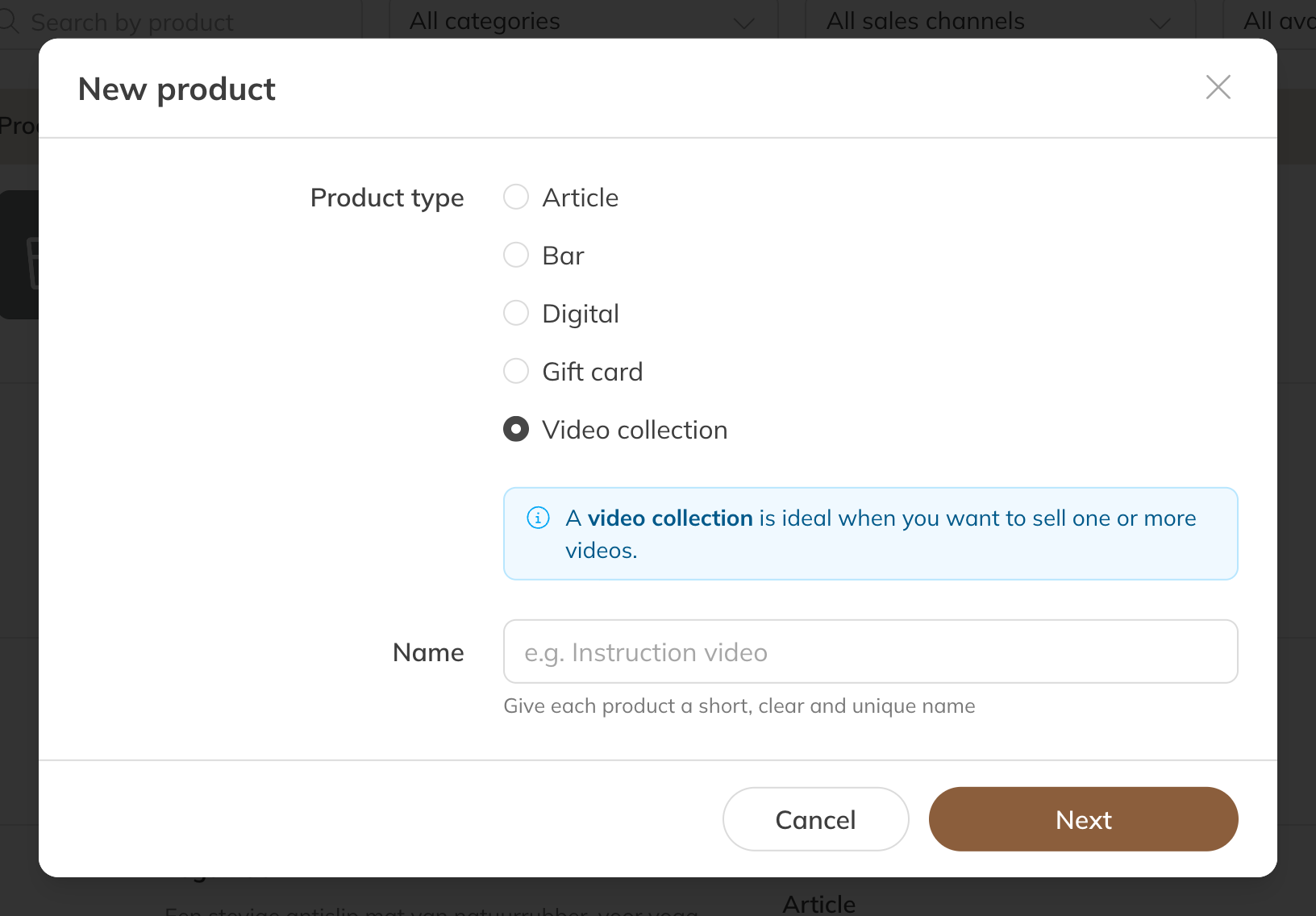
A video collection as a product
As soon as the client has paid, they can watch the collection. A video collection can only be bought once per order.
Where clients can buy the collection
- In the shop, if the product is set to Point of sale & Shop. The collection then also appears in the app under Videos → Purchasable.
- Through a checkout link. See Selling a product through a checkout link.
- At the point of sale, or you assign the product to a client.
Tip: A collection can also belong to a membership or credit pack. The client then doesn't pay for it separately. See Who can watch which videos?