- Go to My company → Settings.
- Under Notifications, choose Client notifications.
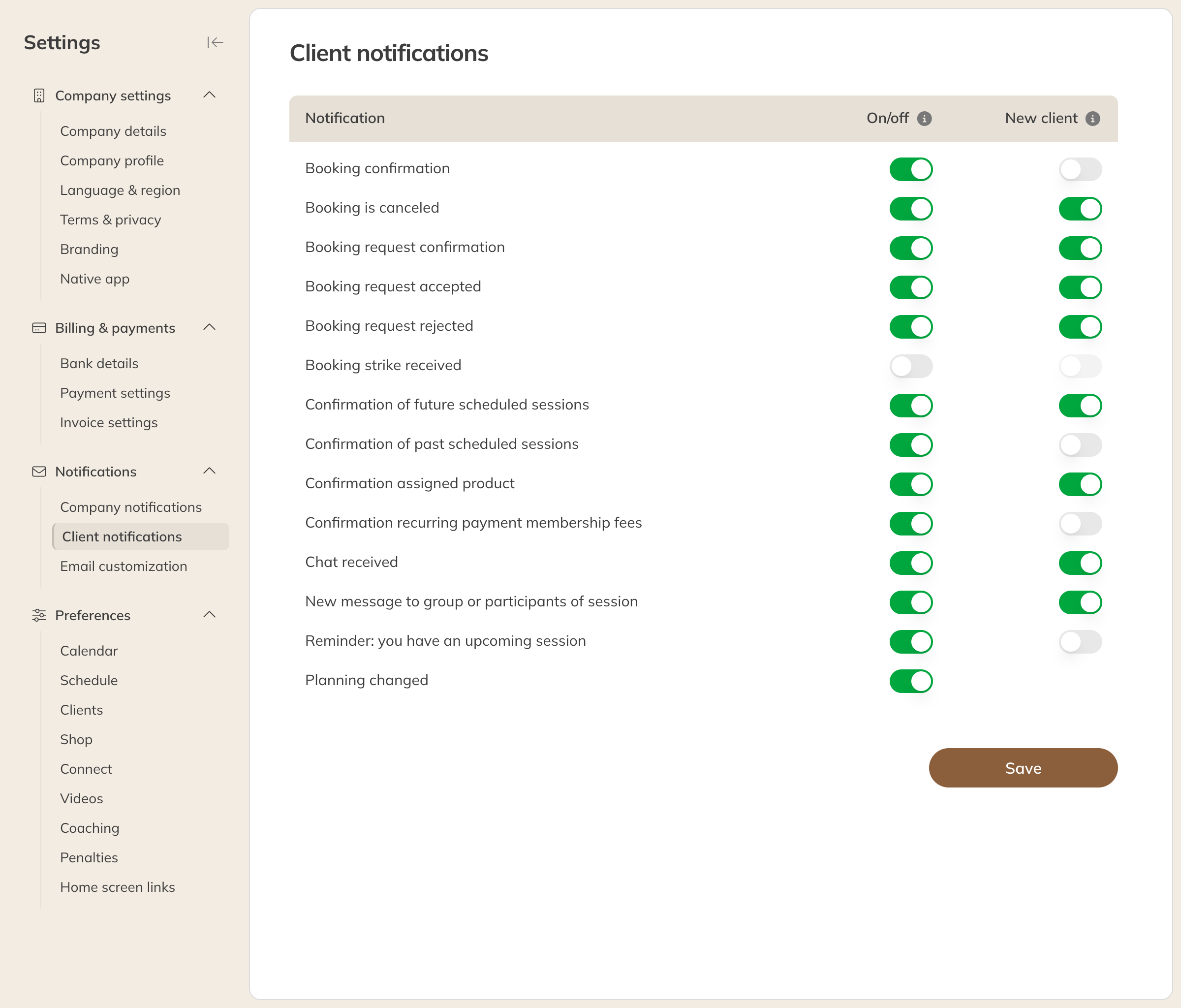
- Set the two columns for each notification and click Save.
Client notifications
| Column | What it means |
|---|---|
| On/off | Whether clients can receive this notification. If you turn it off, it disappears from the client's notification settings and is no longer sent to anyone, not even to clients who had it on. |
| New client | Whether the notification is on by default for new clients. Clients can then turn it on or off themselves in their account. |
The list includes the confirmation of a booking or cancellation, booking requests, a session reminder and New message to group or session participants.
For a single client
Open the client. Under Communication preferences you can see which emails the client receives and whether they have the Newsletter turned on, with the date and how it was set. You can change it there too.