A gift card is ideal when someone wants to give a class or credit pack as a present. Gift cards are available in the Pro and Premium plans.
- Go to My company → Products and, on the left under Retail, choose Gift card.
- Click New product, choose Gift card as the Product type and give it a name.
- Under Product, choose which credit product the gift card can be redeemed for.
- Enter the price and the other details and save.
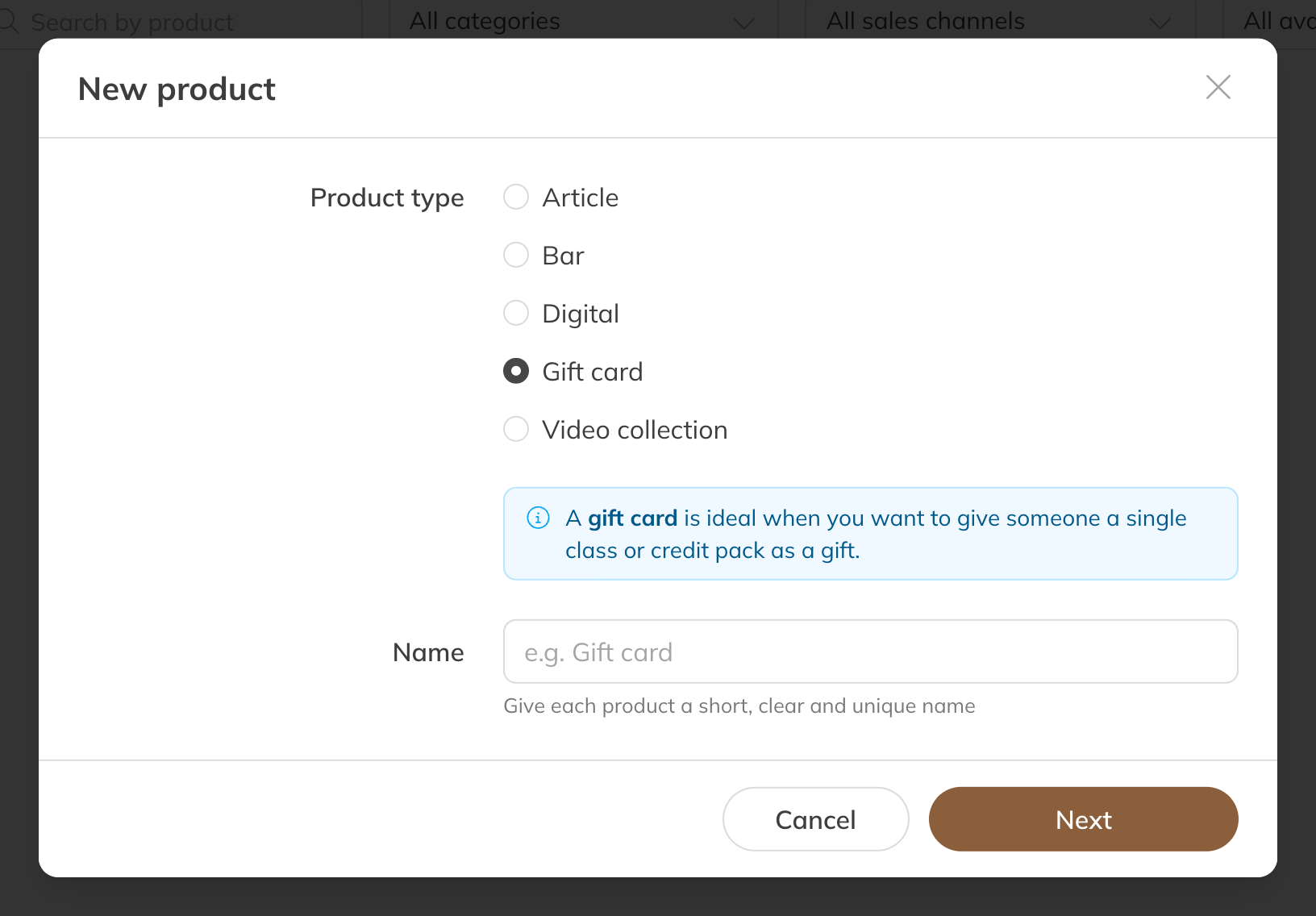
A new gift card
What happens after the purchase
- As soon as the gift card has been paid for, Trainin creates a code, such as GIFT-AB12CD34. If someone buys several at once, each gift card gets its own code.
- The buyer sees the code with their products in the app or on the website. You can also see it on the client's profile.
- The person receiving the gift card enters the code at checkout for the product it's valid for. That product is then free.
- A code can be used once, for one product.
Note: If a gift card order is cancelled, the code is disabled.