With a Google Tag ID and a Meta Pixel ID you can measure visits and purchases on your pages in Trainin, so you can see what your ads and campaigns deliver. This is available in the Pro and Premium plans.
- Go to My company → Integrations and, under Marketing, choose Tracking IDs.
- Enter your Google Tag ID (for example G-XXXXXXXXXX) and/or your Meta Pixel ID.
- Click Save.
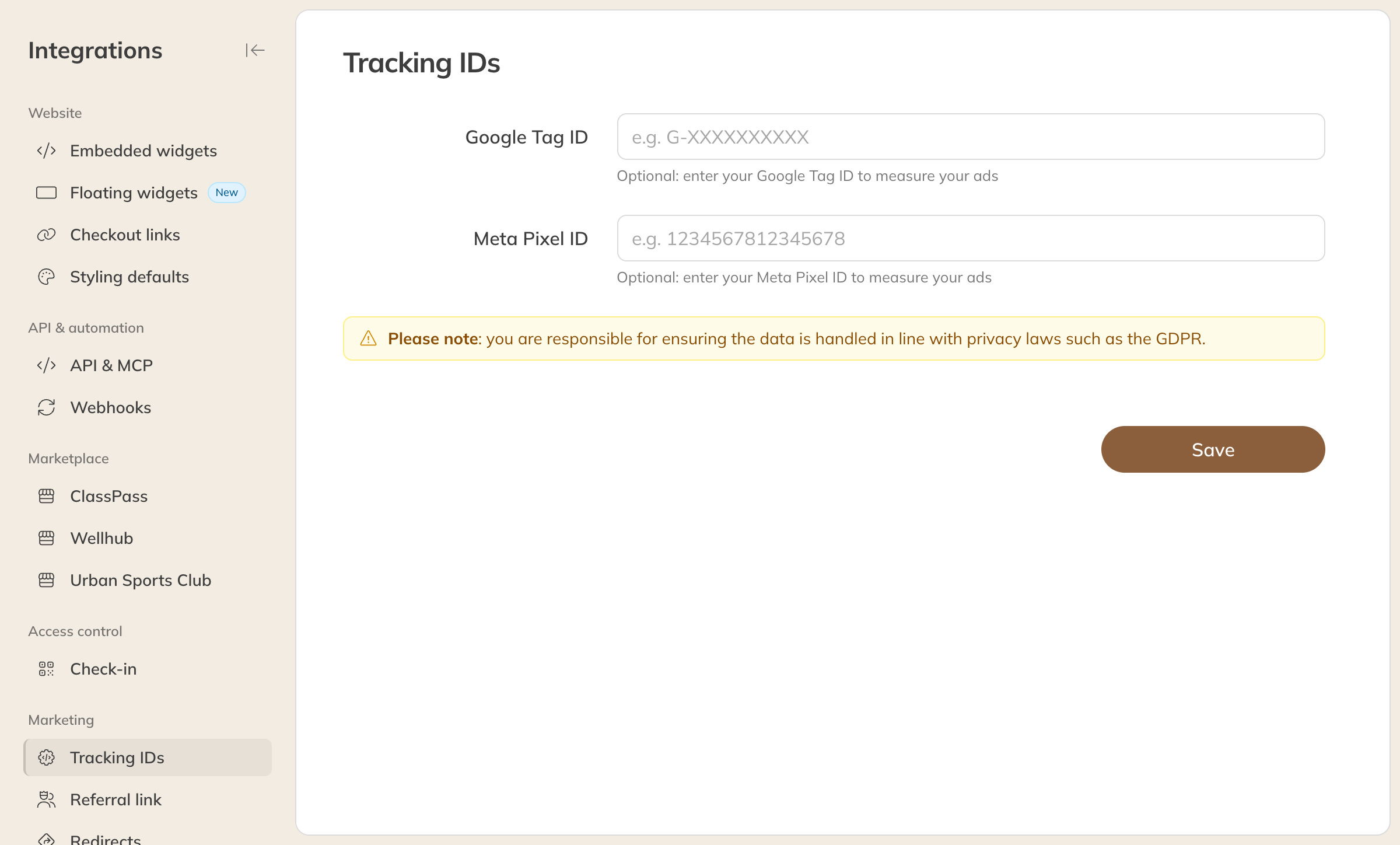
Setting up Tracking IDs
Do you also use Google Tag on your own website? After entering your Google Tag ID you'll see a snippet of code you can add to your website. A visitor who clicks from your website to your Trainin pages then counts as one visit instead of two.
Note: You are responsible for making sure the data is processed in line with privacy law, such as the GDPR.
Tip: Have whoever does your marketing set this up. Give that person their own staff account with the Marketing role: it has access to the marketing settings and widgets.