With coaching you create exercises, workouts and training programs, assign them to clients and track their measurements and progress. Clients see their workouts and results in the Client app.
Turning on coaching
- Go to Settings and, under Preferences, choose the Coaching page.
- Turn on Enable coaching. The other settings appear.
- Choose the settings below and click Save.
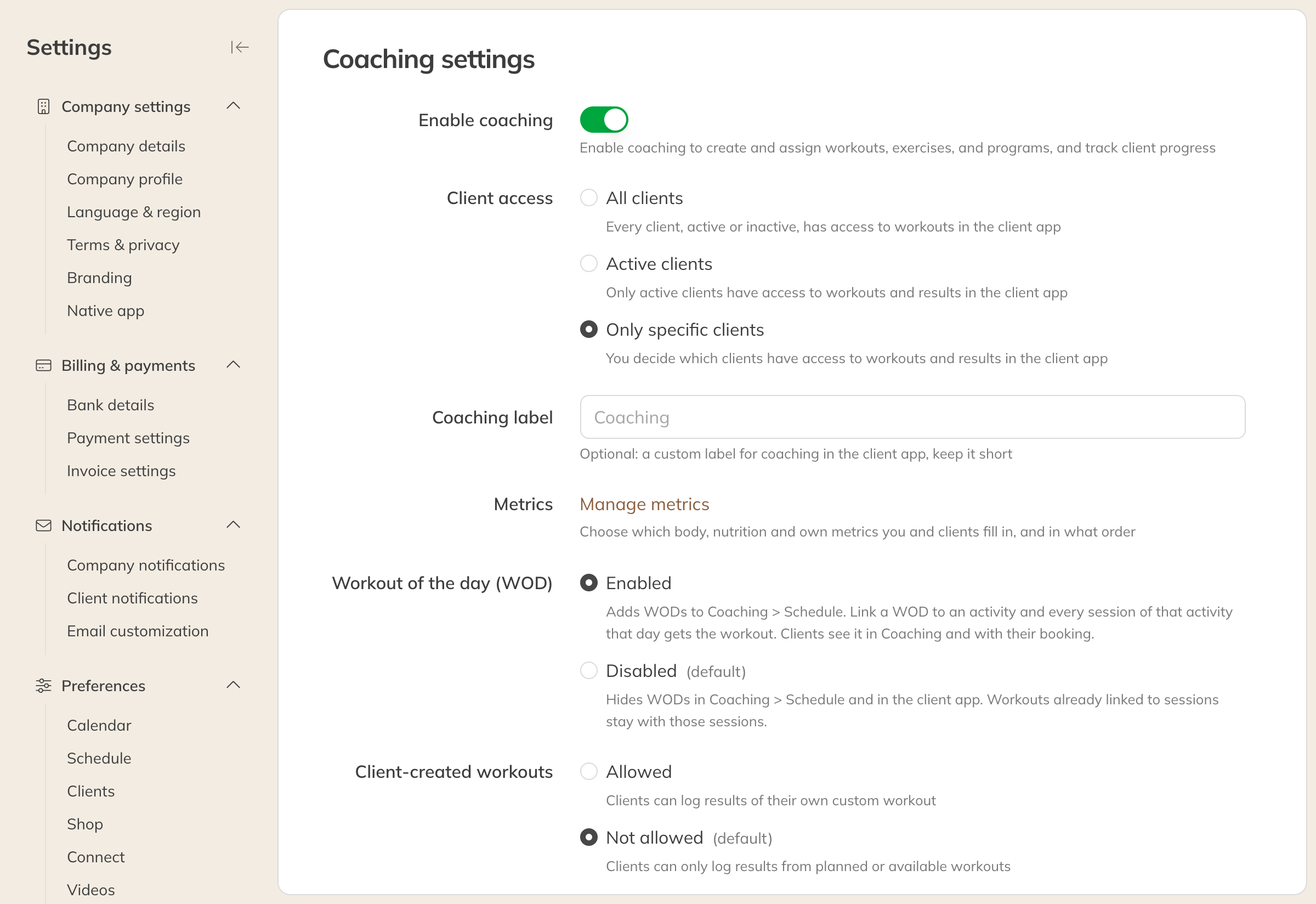
The coaching settings, with coaching still off
After that, Coaching appears in the menu for staff who are allowed to view workouts. If you are already in Coaching, you can also reach this page via More → Settings.
Note: Coaching is included in Premium. On Starter and Pro it is an add-on. If coaching is not part of your plan, you see a page about upgrading here instead of the settings.
The settings
| Option | What happens |
|---|---|
| Client access | Which clients see coaching in the Client app: All clients, Active clients or Only specific clients (default). See Choosing which clients see coaching. |
| Coaching label | Your own name for coaching in the Client app, for example Training. Up to 12 characters. If you leave it empty, it is called Coaching. |
| Metrics | Under Manage metrics you choose which body, nutrition and custom metrics you and your clients fill in. See Choosing metrics and creating your own. |
| Workout of the day (WOD) | Enabled: you schedule WODs in Coaching → Schedule. Disabled: WODs are hidden. See Scheduling a workout of the day (WOD). |
| Client-created workouts | Allowed: clients put together their own workout and log the results. Not allowed (default): clients only log scheduled or available workouts. See Letting clients create their own workout. |
Turning coaching off again
If you turn off Enable coaching and click Save, the Turn off coaching? window first asks you to confirm. It shows, with numbers, what will happen:
- Coaching forms without measurements become standard forms.
- Coaching forms with measurements are locked until you turn coaching back on.
- Assigned forms are no longer visible to clients.
All measurements and results are kept. If you turn coaching back on later, everything is visible again. Forms that have become standard forms do stay that way.