Clients with access find coaching in the Client app under Coaching, or under the Coaching label you chose yourself.
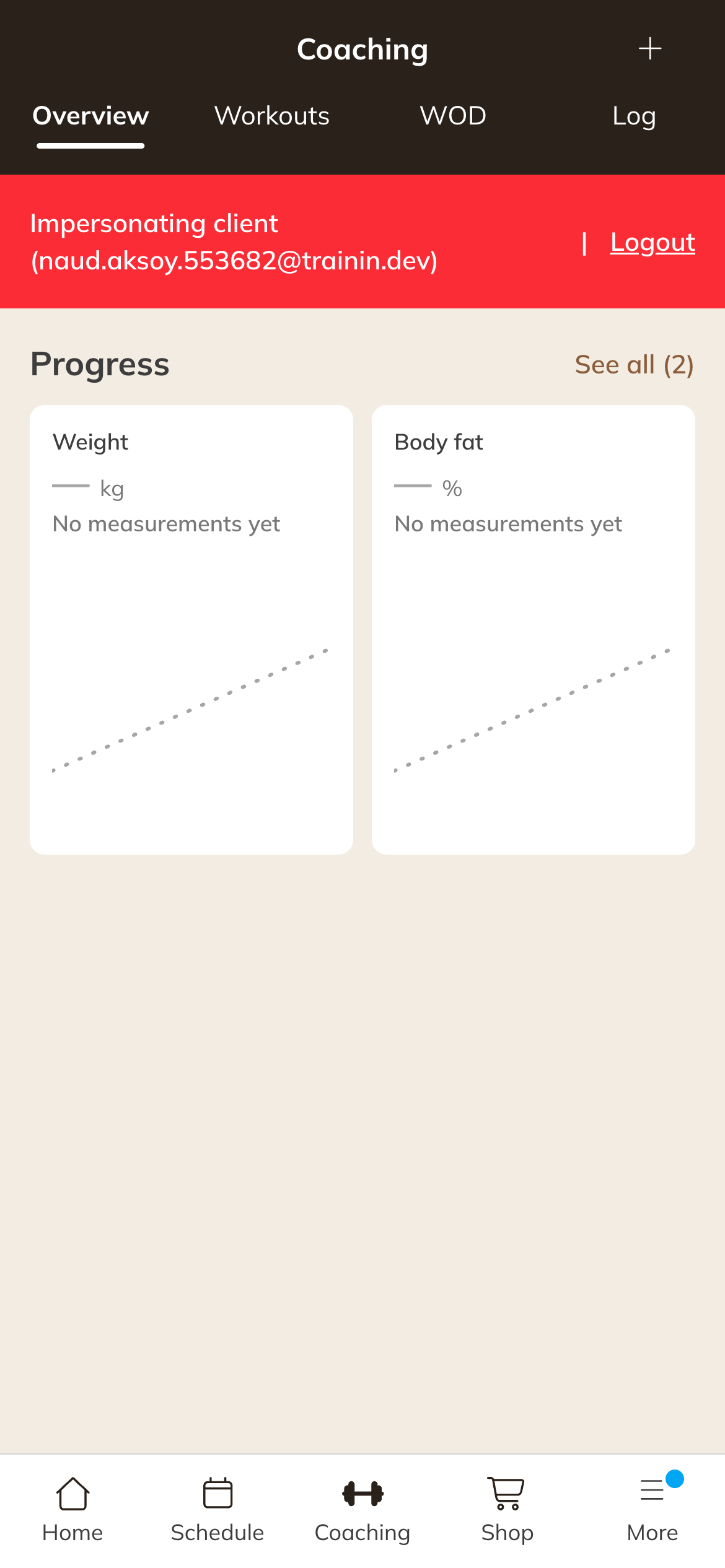
Coaching in the Client app
The tabs
| Tab | What the client sees |
|---|---|
| Details | The current Program, the workout of the day, what is ready for Today, workouts to catch up on (Catching up), Past sessions with a workout, their Progress and the Log. |
| Workouts | Set up for you: the workouts you scheduled for a date. Start anytime: workouts without a date, which the client can do as often as they like. |
| WOD | Only if the workout of the day is on: the upcoming WODs and, under History, WODs from earlier days that the client can still record. |
| Log | All results that the client or you have recorded. |
Doing a workout
- The client opens the workout and taps Log workout.
- The client fills in the sets for each exercise. A rest timer helps between sets.
- Done? The client taps Finish workout. Continue later saves the progress.
You decide per workout whether a client can log it themselves, see the results or change the exercises. See Assigning a workout or making it available.
Adding something themselves
With New (on a phone, in the Options menu) the client can:
- Record metric: for example weight or body fat percentage. See Recording or changing a measurement.
- Create workout: only if you allow it. See Letting clients create their own workout.