With the workout of the day (WOD) you set up a workout each day for all your clients with coaching. If you link the WOD to an activity, every session of that activity on that day gets the workout.
Turning on the WOD
- Go to Coaching → More → Settings.
- Under Workout of the day (WOD), choose Enabled and click Save.
If you turn the WOD off again, WODs are hidden in the schedule and in the Client app. Workouts already linked to sessions stay with those sessions.
Scheduling a WOD
- Go to Coaching → Schedule, click + on the day and choose WOD. If you don't see that option, the WOD is still off.
- Choose Existing workout and search for the workout, or choose New workout and give it a name.
- Choose the Scheduled date.
- Optionally choose an Activity: every session of that activity on that day gets this workout.
- Save the WOD.
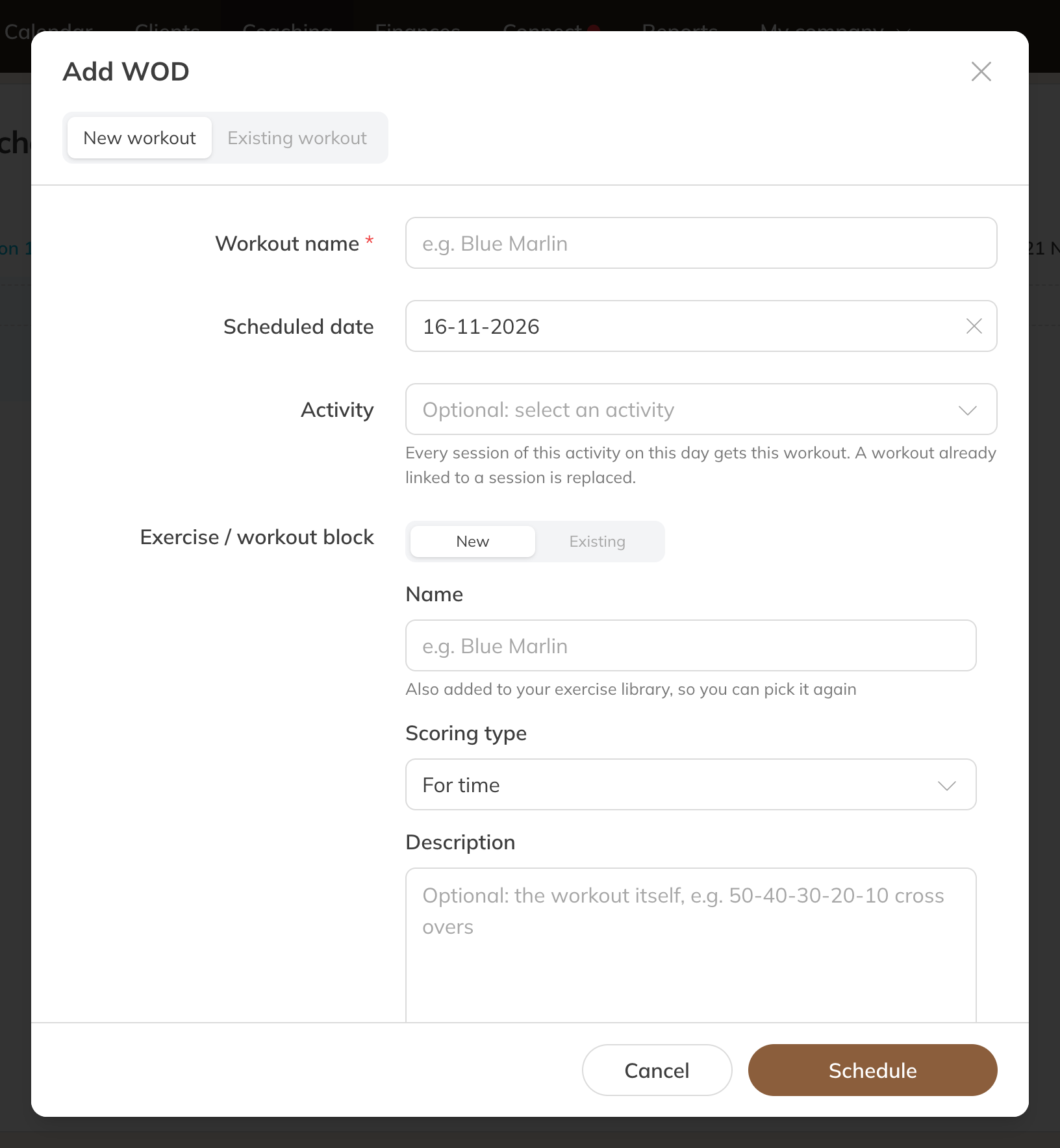
Adding a WOD
With a New workout you add the parts straight away with Add exercise / workout block. Choose an existing exercise or create a new one with a name, scoring type and optionally a Description (for example 50-40-30-20-10 cross-overs). A new exercise is also added to your exercise library. Use an existing exercise if you want to keep the results together.
Note: If a session already had a workout, it is replaced. If there is already a WOD for that activity on that day, the sessions get the new workout and the old one stays a WOD for everyone. To link a WOD to an activity, you need the permission to change other trainers' sessions.
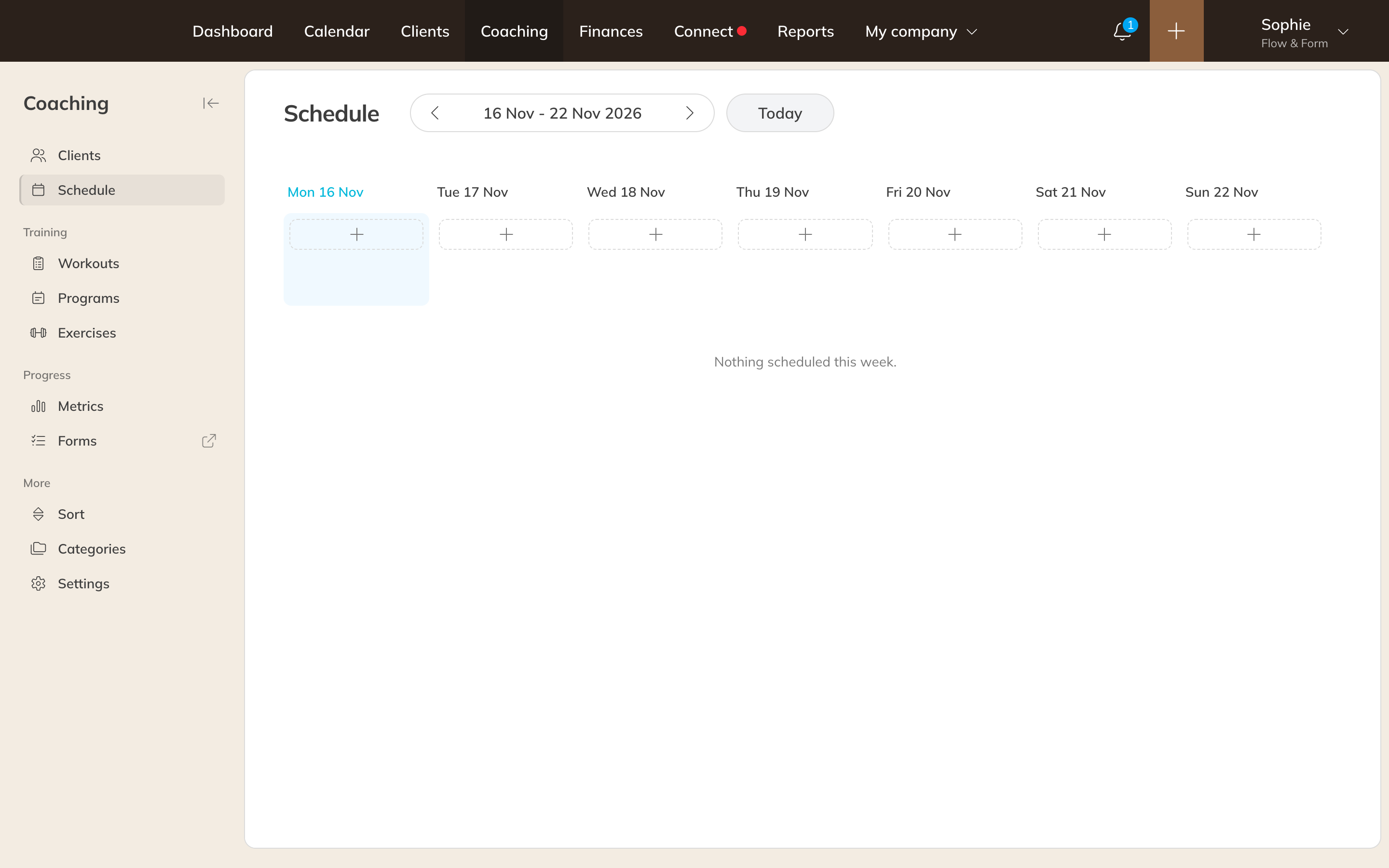
The coaching schedule with a WOD
What clients see
Clients with coaching see the WOD in the Client app on the Details tab and on the WOD tab, and with their booking if the WOD is linked to the activity. Under History they can still record a WOD from an earlier day. Workouts from sessions the client attended are under Past sessions.
Linking a workout to a single session
Want to link a workout to just one session? Open the session in the calendar, click Edit and choose the workout under Workout.
You delete a WOD in Coaching → Schedule from the WOD's menu, with Delete.