By default, every participant is marked absent, and you mark someone as attended when they come in. With large groups, the other way round is often quicker: everyone is marked as attended, and you only mark who doesn't show up.
- Open your company's Calendar settings.
- Under Default attendance status, choose Mark as attended.
- Save.
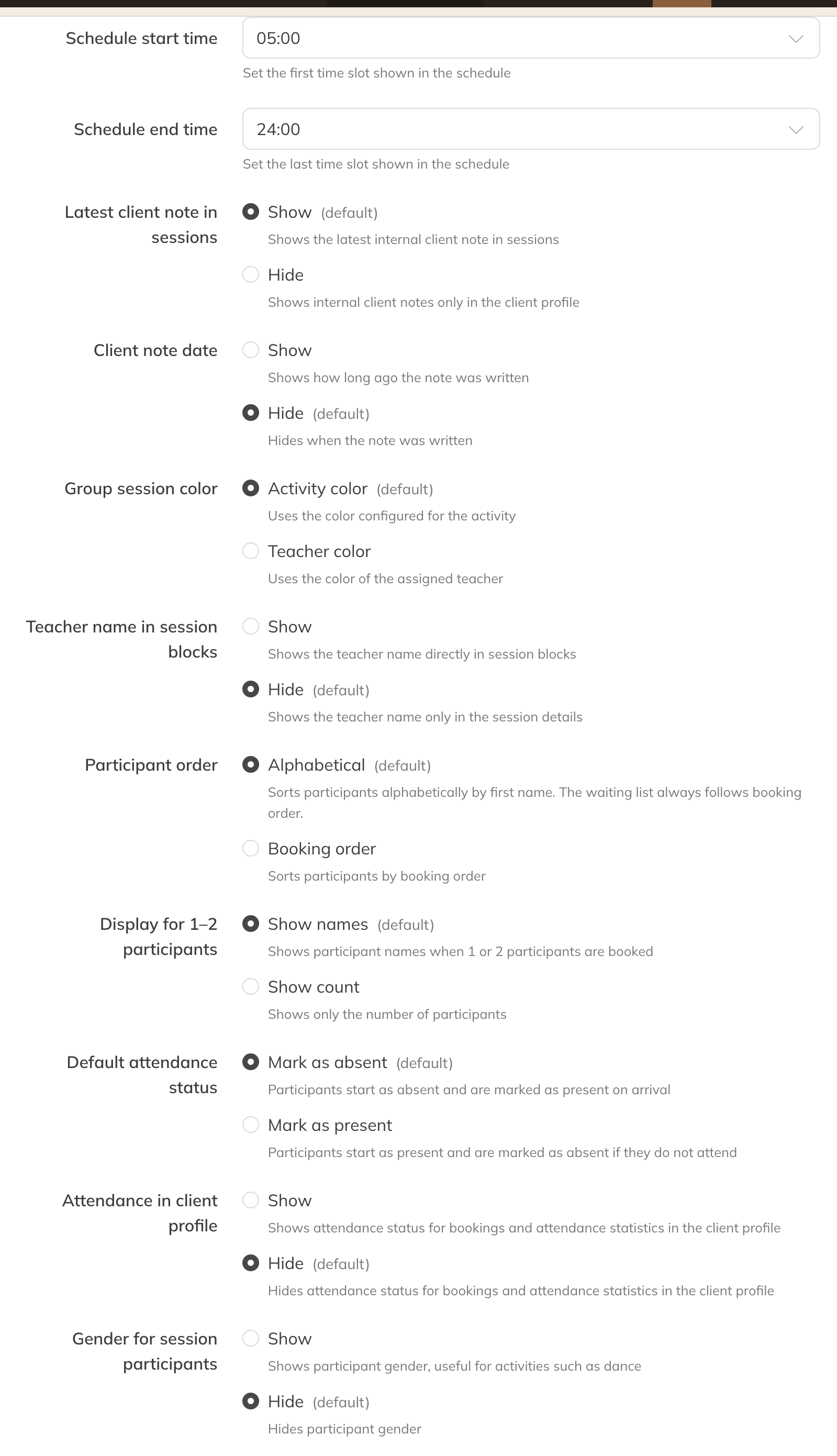
Default attendance status
Attendance is included in your reports. With Attendance in client profile you decide whether you also see it in the client's profile.