Don't want clients to book several group classes on one day? Then set a maximum.
- Open your company's Planning & schedule settings.
- Under Group / course schedule, choose one of the options for Max. number of bookings per client.
| Option | Meaning |
|---|---|
| No restriction | Clients book as much as their product allows. |
| 1 booking per day per group activity | Once a day per activity; a yoga class and a Pilates class on the same day is fine. |
| 1 booking in total per day | One group class a day, whichever it is. |
| 2 bookings in total per day | Two group classes a day. |
| 1 booking in total per 36 hours | At least 36 hours between two bookings. |
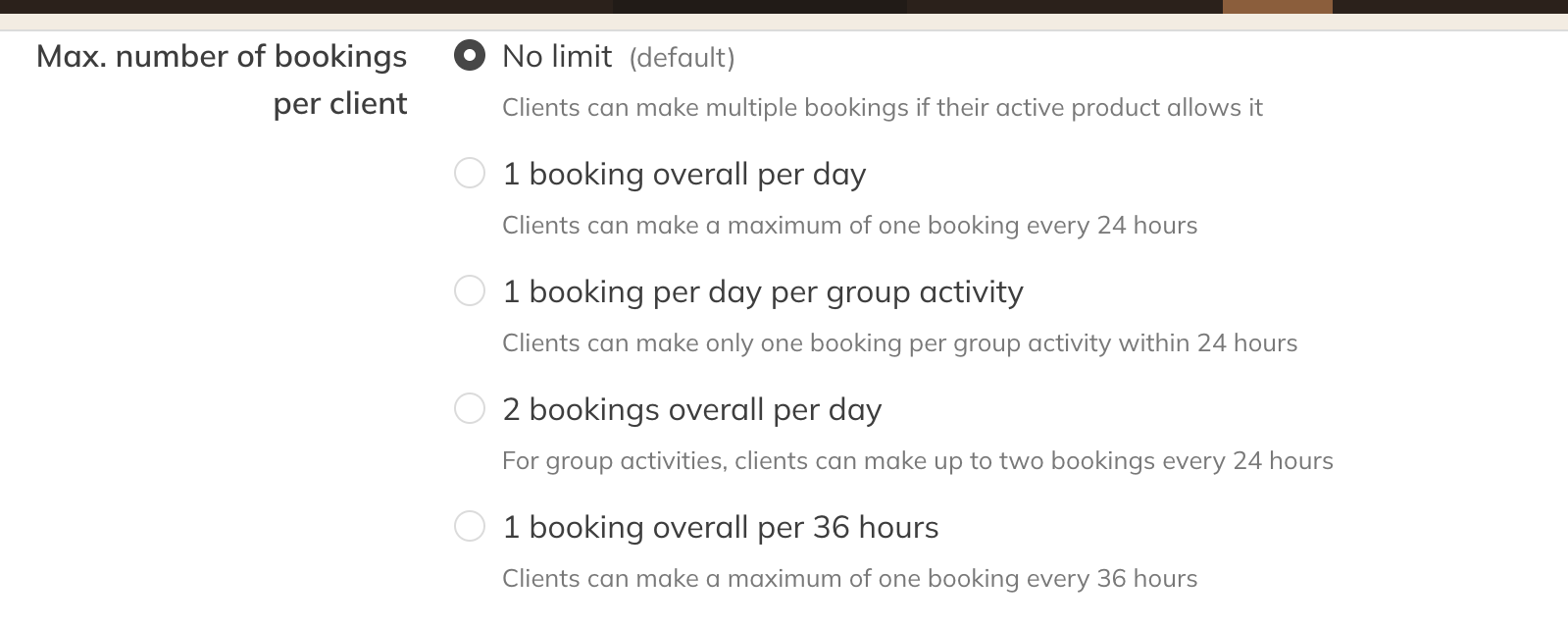
Planning and schedule settings
Note: This applies to group classes and courses, not to private sessions.