Tasks are available in the Pro and Premium plans.
- Go to Calendar and click a day or time slot.
- Choose the Task tab.
- Enter a Subject, for example Call client back, and a Date.
- Choose the Staff who will pick up the task. You're already included.
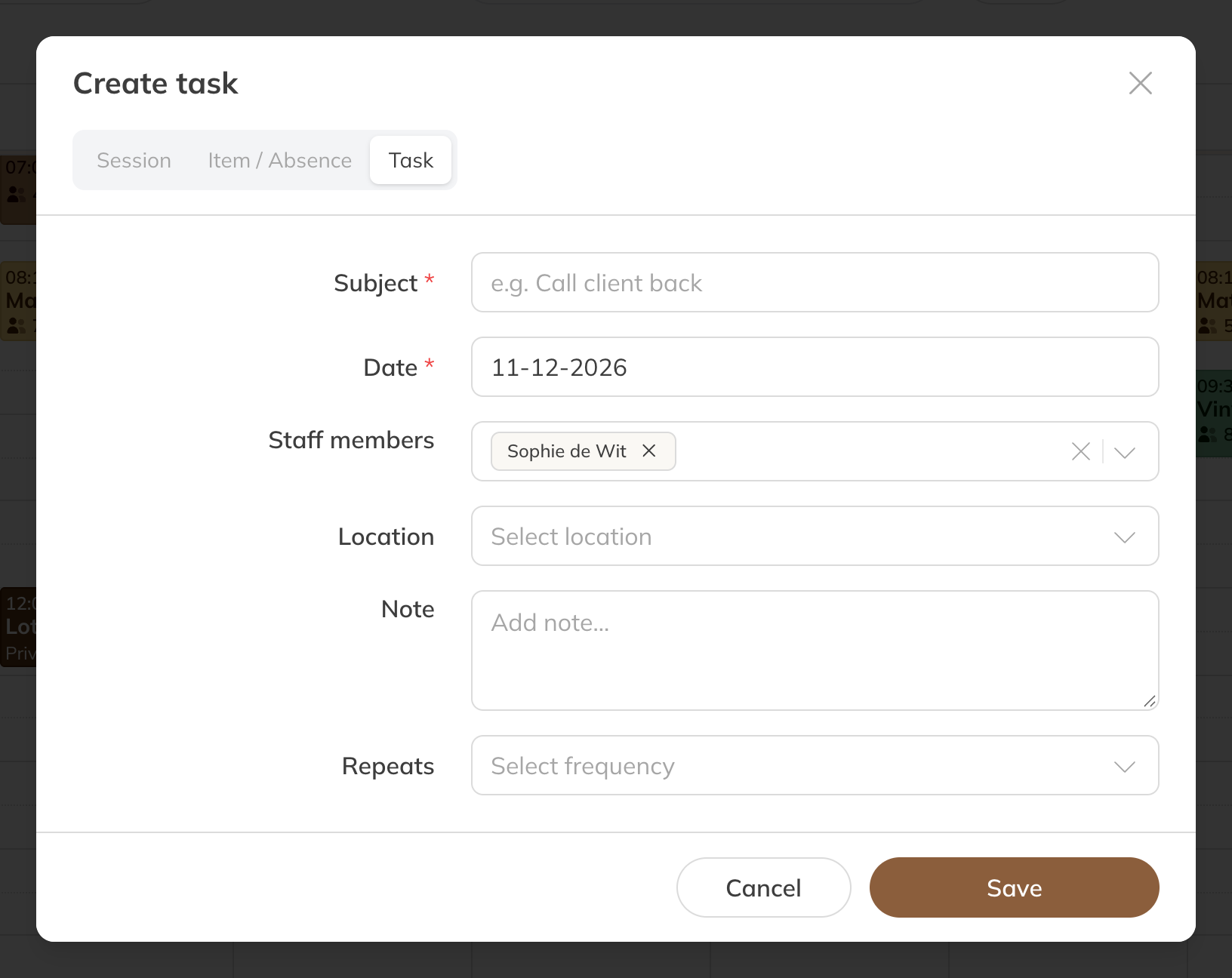
Creating a task
A task can recur: daily, every weekday, weekly or every 2 to 6 weeks.
Ticking it off
Click the task in the calendar and choose Mark as completed.
Tasks on your dashboard
Your dashboard has a Today's tasks card: today's open tasks and open tasks from earlier days, which get the label Overdue. It shows up to 10.
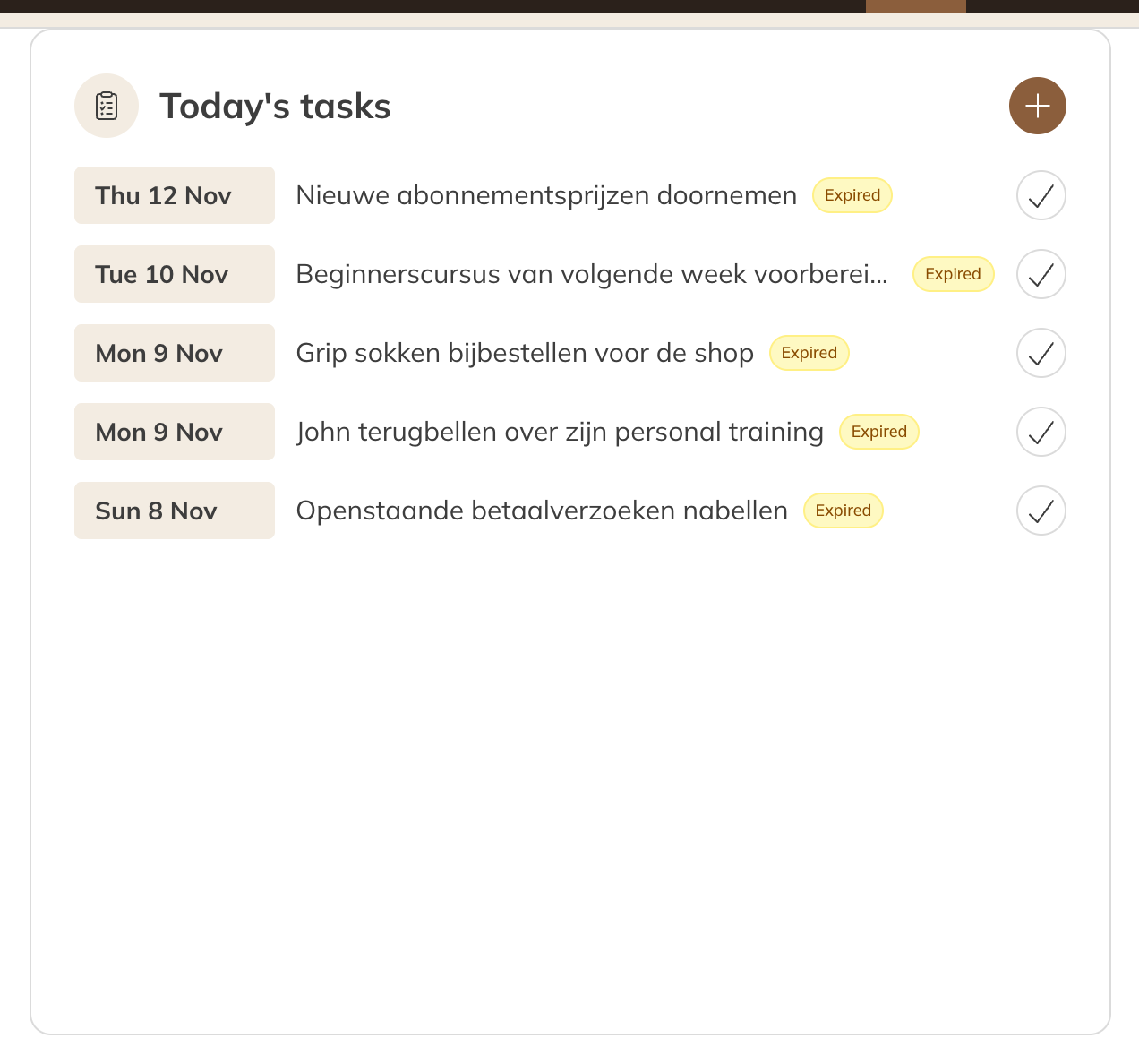
Today's tasks on the dashboard
Note: Tasks aren't included when you sync your calendar with Google, Apple or Outlook.