For a cancelled or open booking
If it's about one booking, the easiest way to give the credit back is through that booking. Open the client, choose Visits and click Options next to the booking:
- Cancel with Give credit back to client ticked: the booking is dropped and the credit goes back. Without the tick, the credit is deducted as a late cancellation.
- Set as open: the booking stays, but the credit goes back. You can confirm the booking again later.
See also Viewing a client's bookings.
Credit pack
- Open the client and choose the Products tab.
- Click Options next to the credit pack and choose Edit credits left. For a single class, this is called Edit sessions left.
- Enter the new number of remaining credits and click Save.
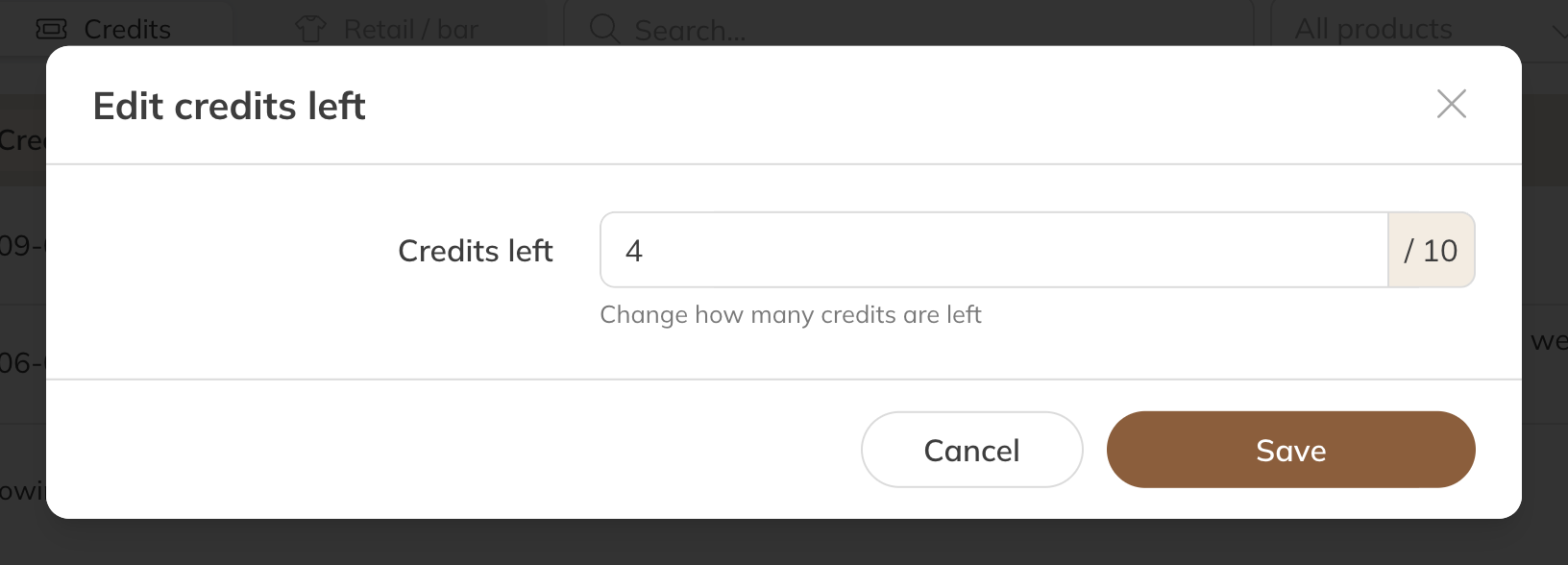
Remaining credits on a credit pack
You enter the total that will be on it afterwards, not the number you're adding. Half credits are possible, to one decimal place.
If the credit pack was used up, it becomes active again as soon as there are credits on it. If it has expired, extend its validity first (see Changing the validity of a credit pack).
Membership
A membership with a number of credits per period, for example 1 per week, has a separate balance for each period.
- Click Options next to the membership and choose Edit credits left.
- You'll see the current period, with how many credits have been assigned and used this period.
- Enter the new number of remaining credits and click Save.
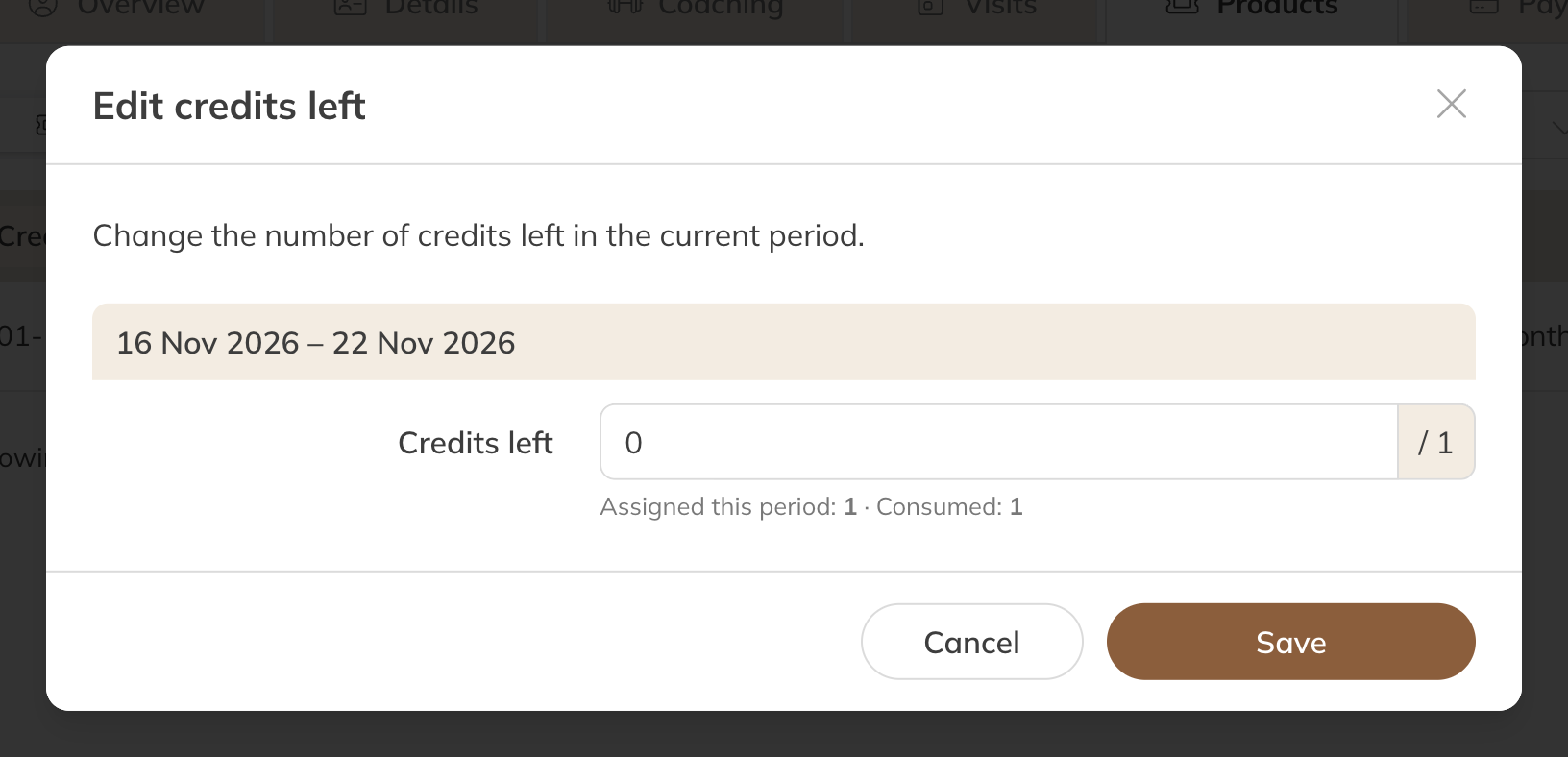
Remaining credits in the current period of a membership
- You only change the period that's running now. The next period starts again with the normal number.
- If unused credits roll over to the next period, you'll also see previous periods whose credits can still be used, and you can change those too.
- A period you've changed by hand gets a notice showing the difference.
Note: An unlimited membership has no credits to change. If you don't see the option on a membership with credits, the membership isn't active, or the client gets credits per paid period; in that case, adjust the payment for that period.
If the product has already ended
Has the membership ended, or have the credits already been deducted? Then give the client a single class or credit pack as a gift: give the product and switch off Payment. See Giving a client a product.