Clients manage their own details in the Client app. On a phone they tap Menu; under Account they'll find Profile, Preferences, Notifications and Password. On a computer, these are under the profile picture at the top right.
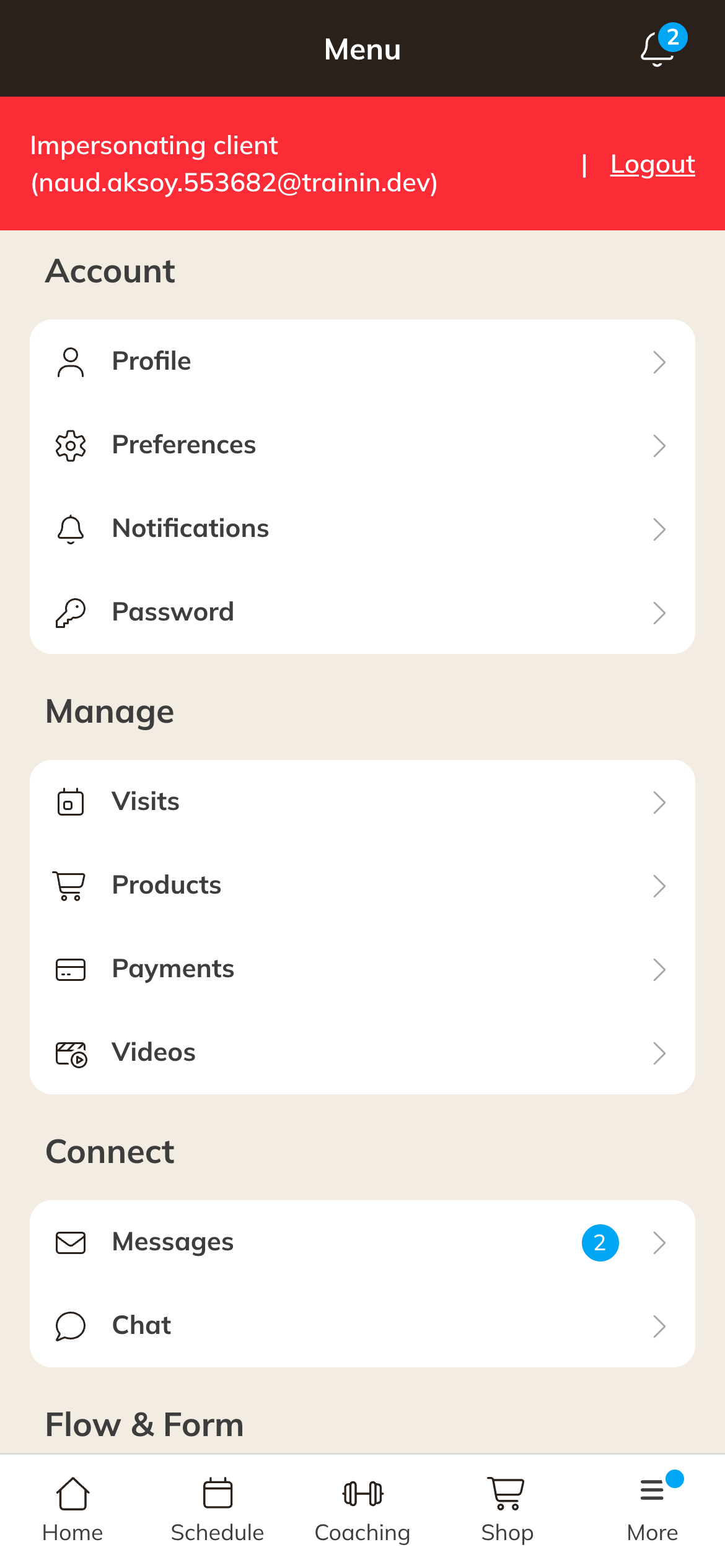
Account in the Client app menu
| Page | What the client does there |
|---|---|
| Profile | Profile picture, Personal details (name, email address, phone number, emergency number, gender, date of birth), Address and invoicing and Extra information, such as an injury. With family accounts, also the family members. |
| Preferences | Language of the portal, the app and the emails. Share my information. Sync calendar: bookings in their own calendar through an iCal link. |
| Notifications | Choosing which notifications the client gets, and whether the client wants the Newsletter and on which topics. |
| Password | Changing the password using the current password. At least 8 characters, with upper and lower case letters and a number. |
Good to know
- Email: this is also the username. If the client changes it, they log in with the new address from then on.
- Company details: if the client enters a company under Address and invoicing, those details appear on the invoice. Payment requests and invoices then go to the Company email.
- Which fields are required and whether the client may change their profile picture is up to you. See Which details a client must fill in.
- Family members: only if family accounts are switched on. See Family accounts.
- Share my profile: other clients who also share their profile see the client's name in the attendee list. Share my results only appears if you use coaching with a leaderboard.
- Forgot password: see Client can't log in.
Deleting the account
At the bottom of Profile is Delete account. This is only possible if the client and their family members have no current product, no upcoming booking and no open payment. Otherwise the client sees that it isn't possible right now, with your email address to get in touch.
After Yes, delete account, the client can no longer log in. The client then stays under Deleted clients for 30 days and you can restore them during that time. See Restoring a deleted client.
Tip: Want to see what the client sees? Open the client and choose More → Impersonate.