You'll find these settings in the product, under Product details. Click More settings; you'll then see the More product details block.
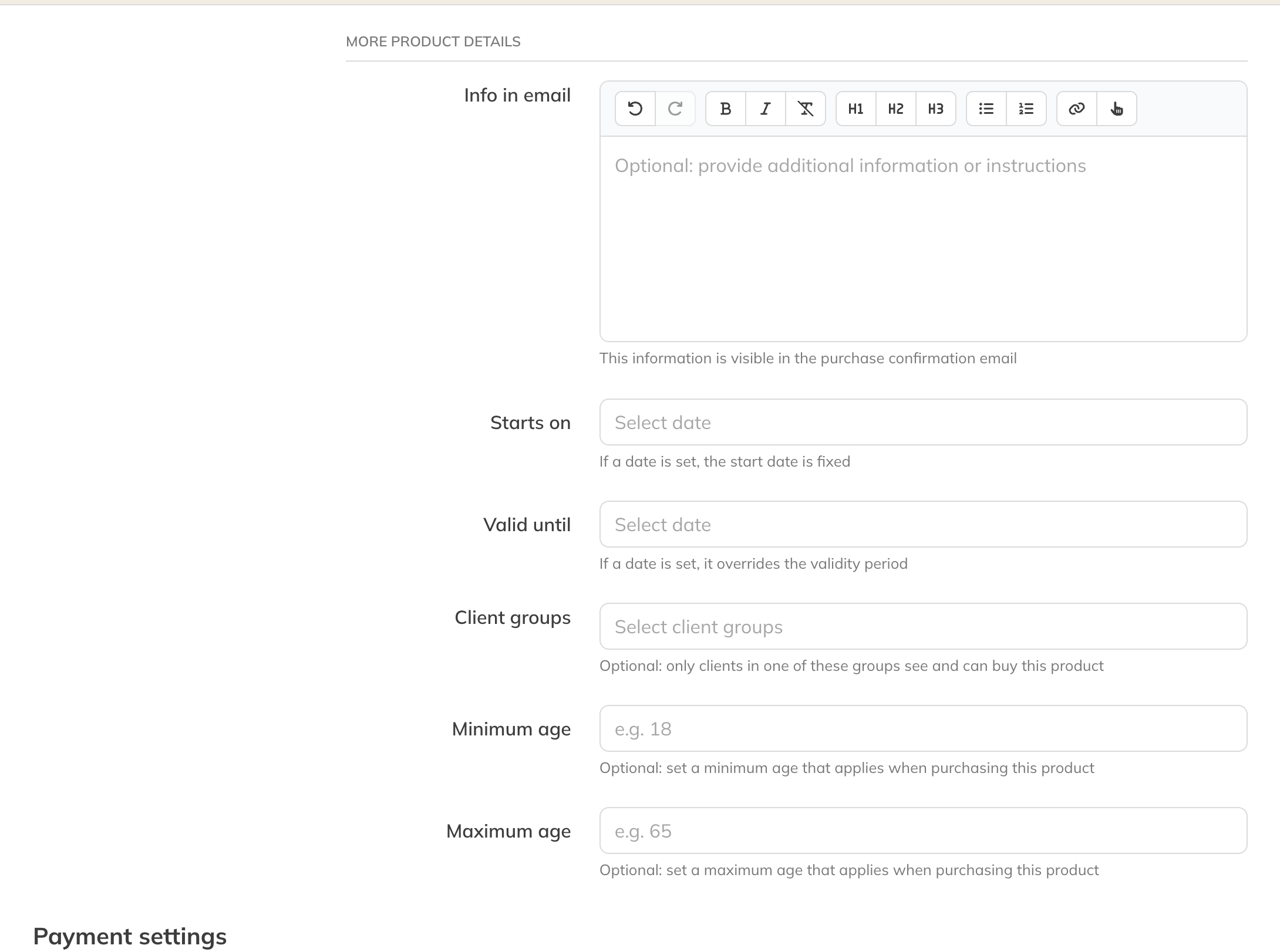
More product details of a membership
Start: a fixed start date
If you enter a date under Start, the product starts on that date for everyone, whenever the client buys it. The client can't choose the start date themselves. Handy for a new season or a course that begins on a fixed day.
- For a membership, the first payment period starts on that date, even if the client buys earlier.
- If the date is in the past, it only applies while the payment period that started on that date is still running. After that, a new membership starts on the purchase date.
Valid until: a fixed end date
With Valid until, the product stops on that date for every client. This date takes priority over the regular period of validity or contract duration. For a membership, Auto-renew membership and Notice period of cancellation then disappear, because the membership stops on that date regardless. If the end date falls in the middle of a payment period, the client pays a proportional amount for that last period.
Note: A day or week pass has no Valid until date. It's always usable for a fixed number of days.
Client groups (Pro and Premium)
If you choose one or more groups under Client groups, only clients in one of those groups can see and buy the product. You'll only see this field once you've created client groups.
Minimum and maximum age (Pro and Premium)
With Minimum age and Max age you can prevent, for example, a child from buying an adult product, or the other way round. The age is checked against the client's date of birth.
Note: You only see these fields if clients have to enter their date of birth when signing up. You set that in your business's client settings.
Info in email (Pro and Premium)
Whatever you enter under Info in email appears in the purchase confirmation for this product. For example, where the client should report for their first class.