In the shop, clients buy products themselves, in the app and on your website. You'll find the settings under Settings → Preferences → Shop.
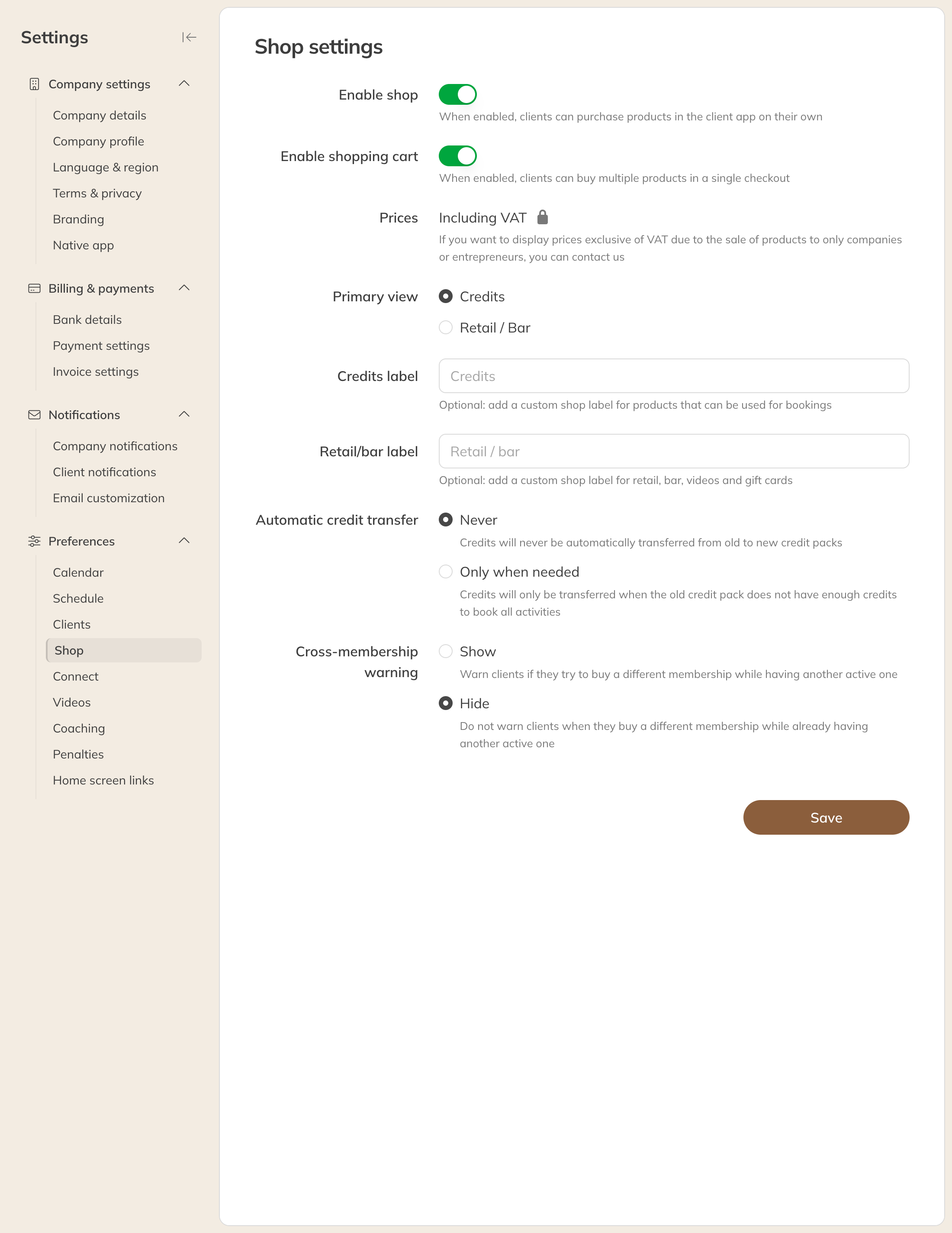
The shop settings
| Setting | What it does |
|---|---|
| Enable shop | Off: clients can no longer buy anything themselves in the shop or through a checkout link. Buying a product while booking a class still works. |
| Enable shopping cart | Clients can check out several products in one go. |
| Prices | Prices in the shop include VAT. See below for excluding VAT. |
| Primary view | What clients see first: Credits or Retail / bar. |
| Credits label and Retail/bar label | Your own names for the two tabs in the shop, for example Memberships and Webshop. Keep them short. |
| Automatic credit transfer (Pro and Premium) | Only when needed: if a client buys a new credit pack while the old one doesn't have enough credits for all booked classes, the credits are transferred. |
| Cross-membership warning | Show: a client with an active membership gets a warning if they try to buy another membership. |
Prices excluding VAT
Do you mainly sell to businesses or self-employed people and want to show prices excluding VAT? Contact Trainin support. After that, you choose between Including VAT and Excluding VAT under Price display.
Viewing the shop
In the Products menu, click Shop on the left. The shop opens in a new tab, the way clients see it.
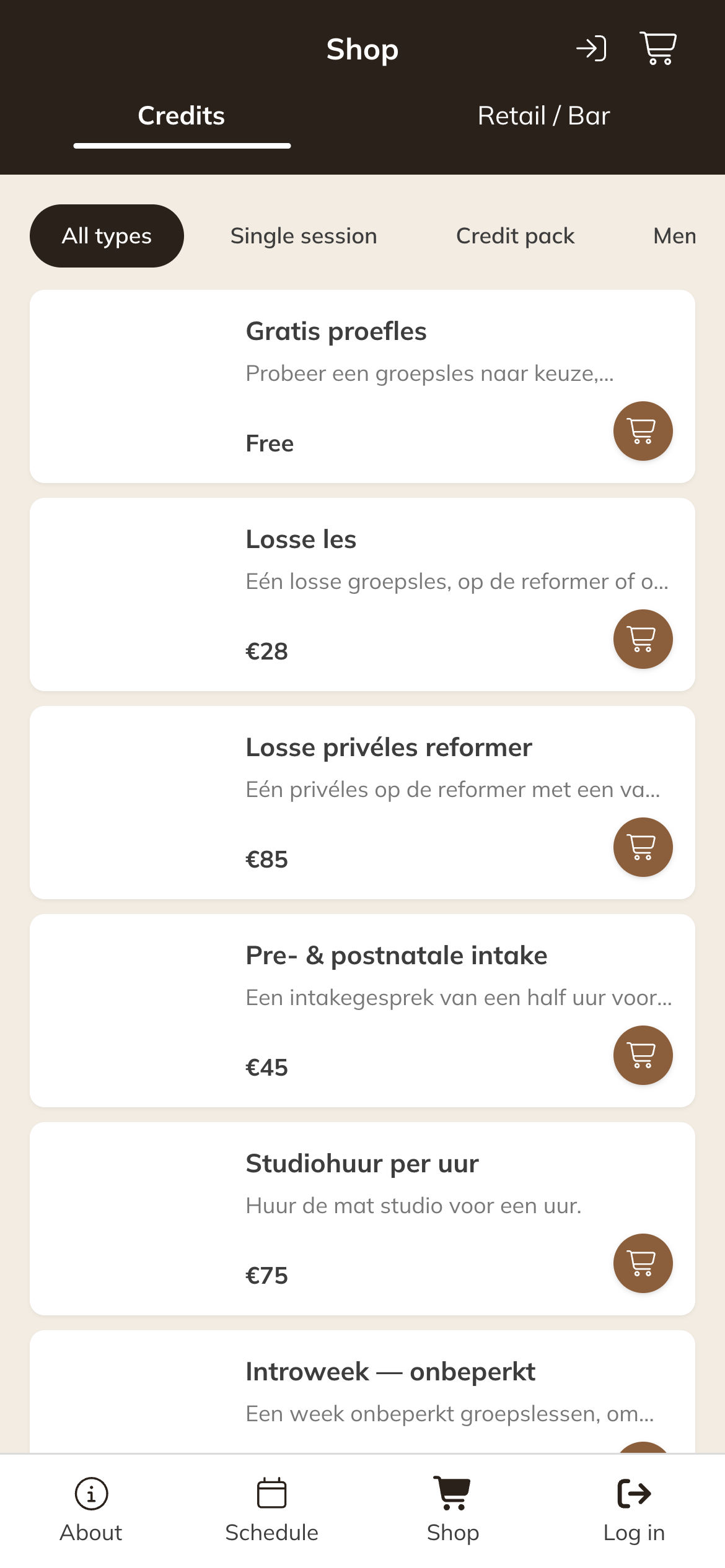
The shop in the client's app
You decide which products are in the shop for each product with the sales channels. You set the order and categories through Sort products.