- Open the credit pack, or create a new one.
- Under Payment settings, turn on Set installments.
- Under Number of installments, enter how many parts the client pays in, from 2 to 99.
- Under Payment period, choose the time between two installments, for example Monthly payment.
- Click Save.
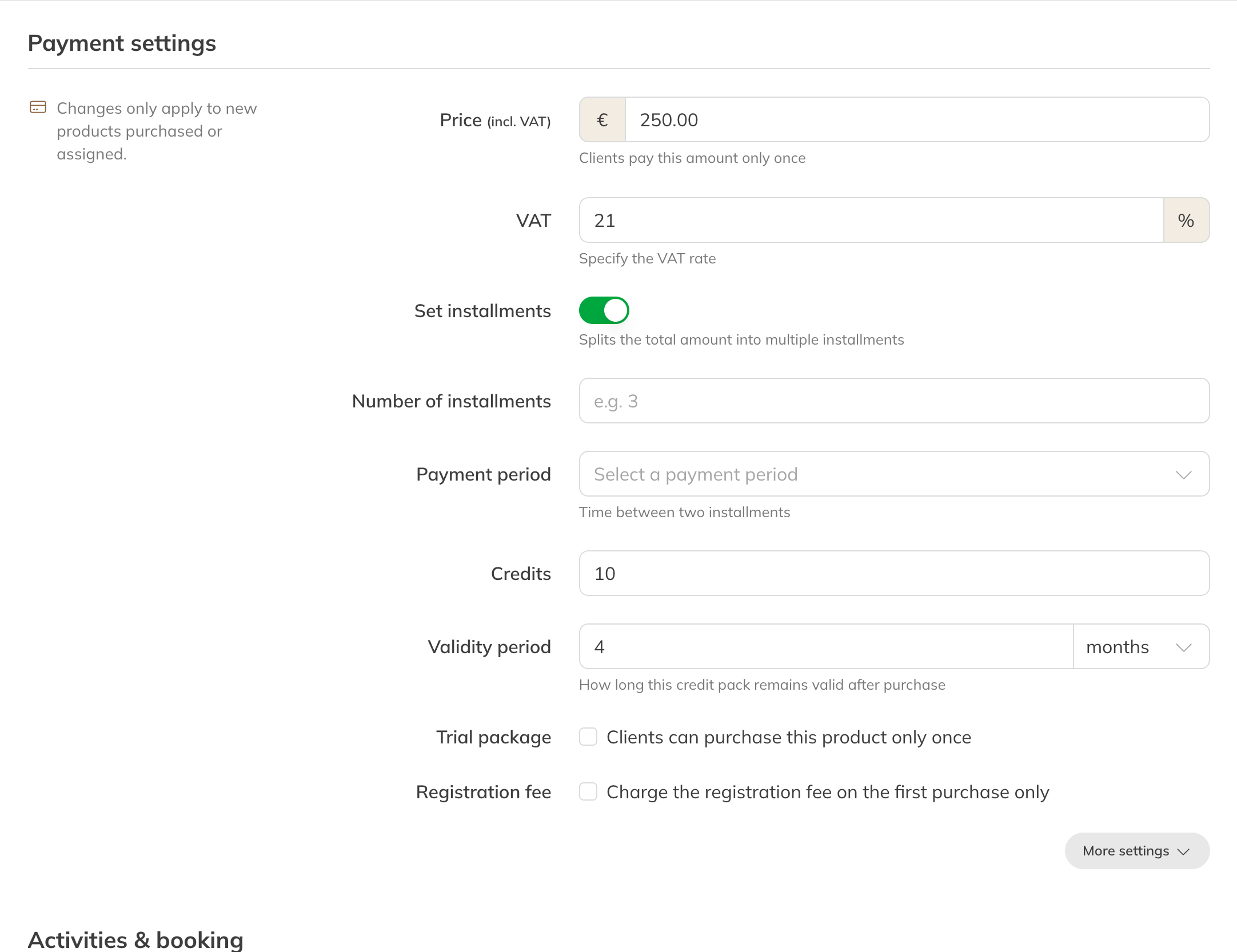
Set installments on a credit pack
What the client pays
- Each installment is the Price divided by the number of installments. A € 300 credit pack in 3 installments is 3 payments of € 100.
- The client pays the first installment on purchase. The other installments are scheduled, each one payment period later.
- The client gets all the credits straight away.
How the next installments are paid, by direct debit or with a payment link, is set in your payment settings. See Collecting membership fees automatically.
Changing an installment
You'll see a client's installments on the client's product, under Payments. There you can change the date or amount of an installment, or schedule an extra one. See Planned payments.
Note: If you change the number of installments on the product, it only applies to new purchases.