You can sell a retail product in three ways, depending on the sales channels you choose:
- In the shop: clients buy it themselves in the app or on your website, under Retail / bar. See Setting up the shop.
- Through a link: share the checkout link, for example in a group chat. See Selling a product through a checkout link.
- At the point of sale (Pro and Premium): go to Finances and choose New sale → Point of sale, or use the + at the top right. Choose the products, together with credits if you like, choose a client or Walk-in, and how it's paid.
Everything about the point of sale, payment methods and the card terminal is in Paying at the front desk: point of sale and card terminal. Want to invoice items later? Read Retail and bar products on account.
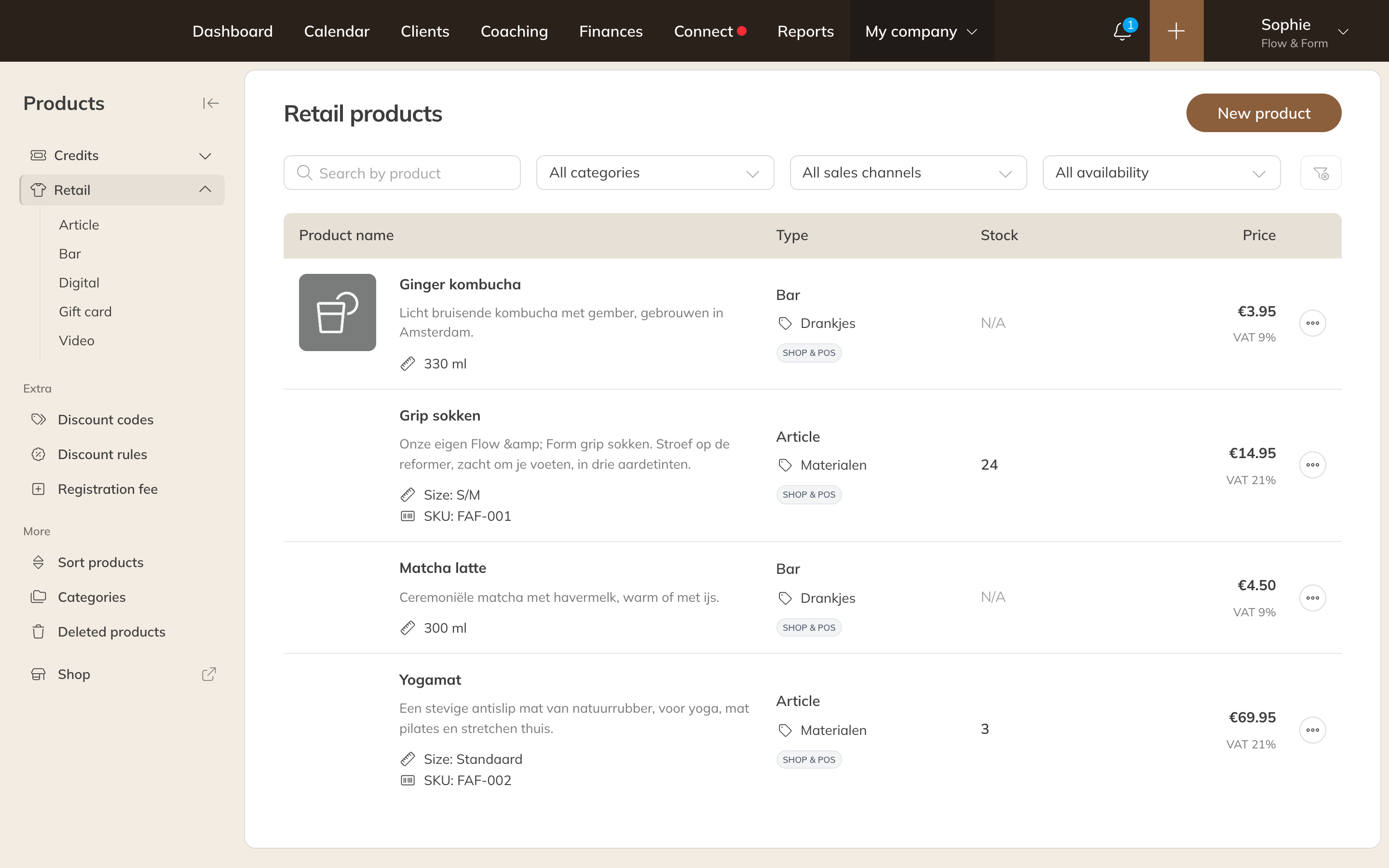
Your retail products, with sales channel and stock