Alongside your sales and invoices, Finances has three lists of orders that don't bring in money (yet): drafts, invitations and free products. For the other lists, see Viewing and exporting invoices and payments.
Draft
A draft is an invoice or payment you've saved without sending it. You create a draft in Creating an invoice with Drafted, or when you invoice outstanding bookings as a draft; see Invoicing sessions afterwards.
You'll find them under Finances → Draft. That list only appears once you have a draft. Open a draft to:
- see what the invoice will look like with View pro forma;
- edit and finish the draft with Edit proforma. If you don't create invoices, the button is called Edit payment;
- throw the draft away with Delete.
Invitations
If you give a client a product with Send invite, the client gets a payment link and the order appears under Finances → Invited. See Giving a client a product.
- The product stays Not active yet until the client has paid. Then it starts.
- An invitation only counts towards your revenue once it has been paid.
- You can send the client a reminder or share the payment link; see Outstanding payments. Reminders can also be automatic; see Payment follow-up.
Free products
Under Finances → Free products you'll find all orders of € 0, for example a free trial class a client booked themselves, or a product you gave without payment. This way you can see who got something for free. By default you see this month; choose a different period at the top left.
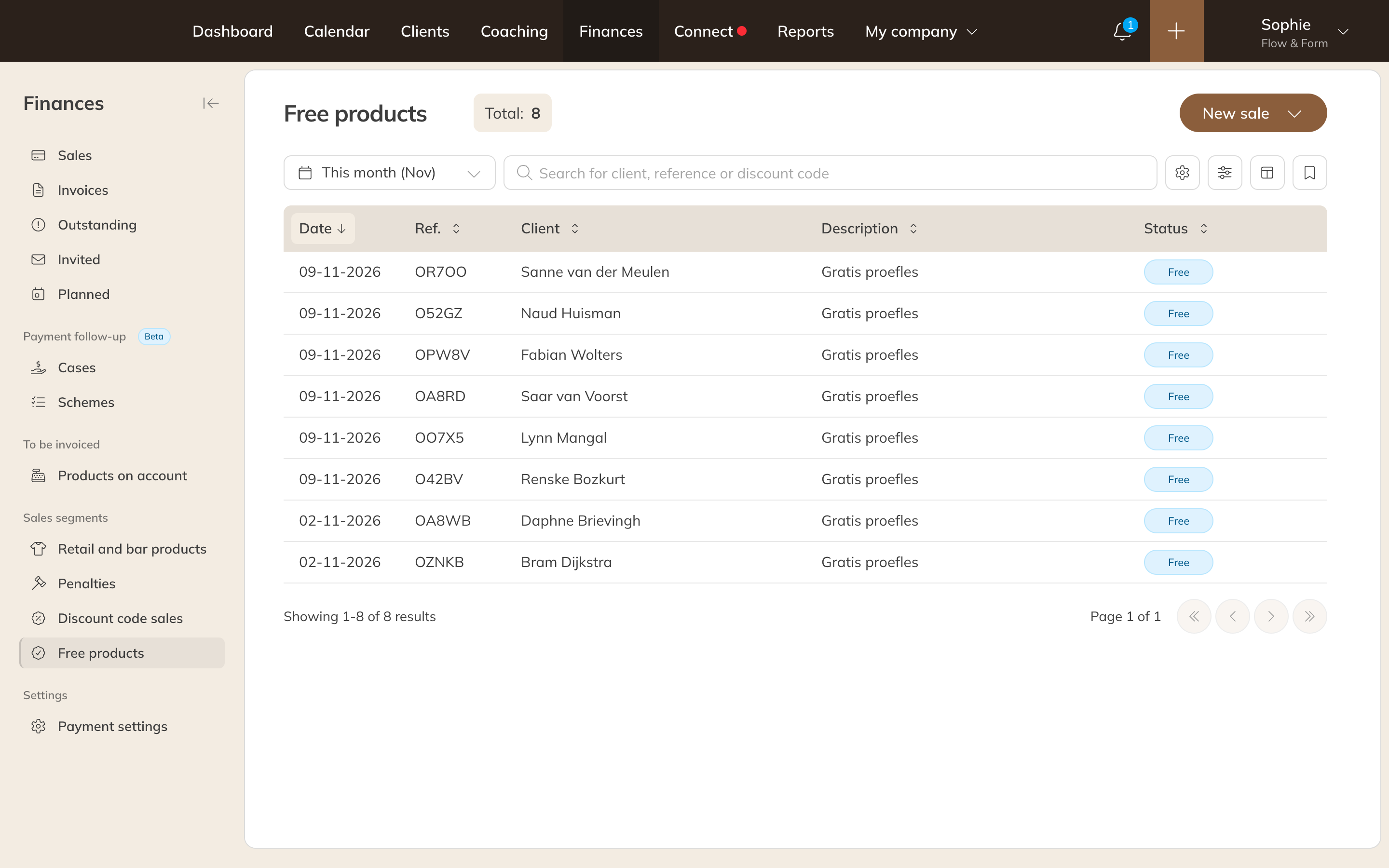
Free products under Finances
Note: No invoice is created automatically for an order of € 0.