Under Reports → Sessions there are three reports with the same columns, each grouped differently:
| Report | What you see |
|---|---|
| Details | The totals per activity. This report is included in every plan. |
| Staff | For each staff member, the activities they taught, with a subtotal. Ideal as a basis for paying instructors or freelancers. |
| Locations | For each location, the activities, with a subtotal. This shows you which location is busiest. |
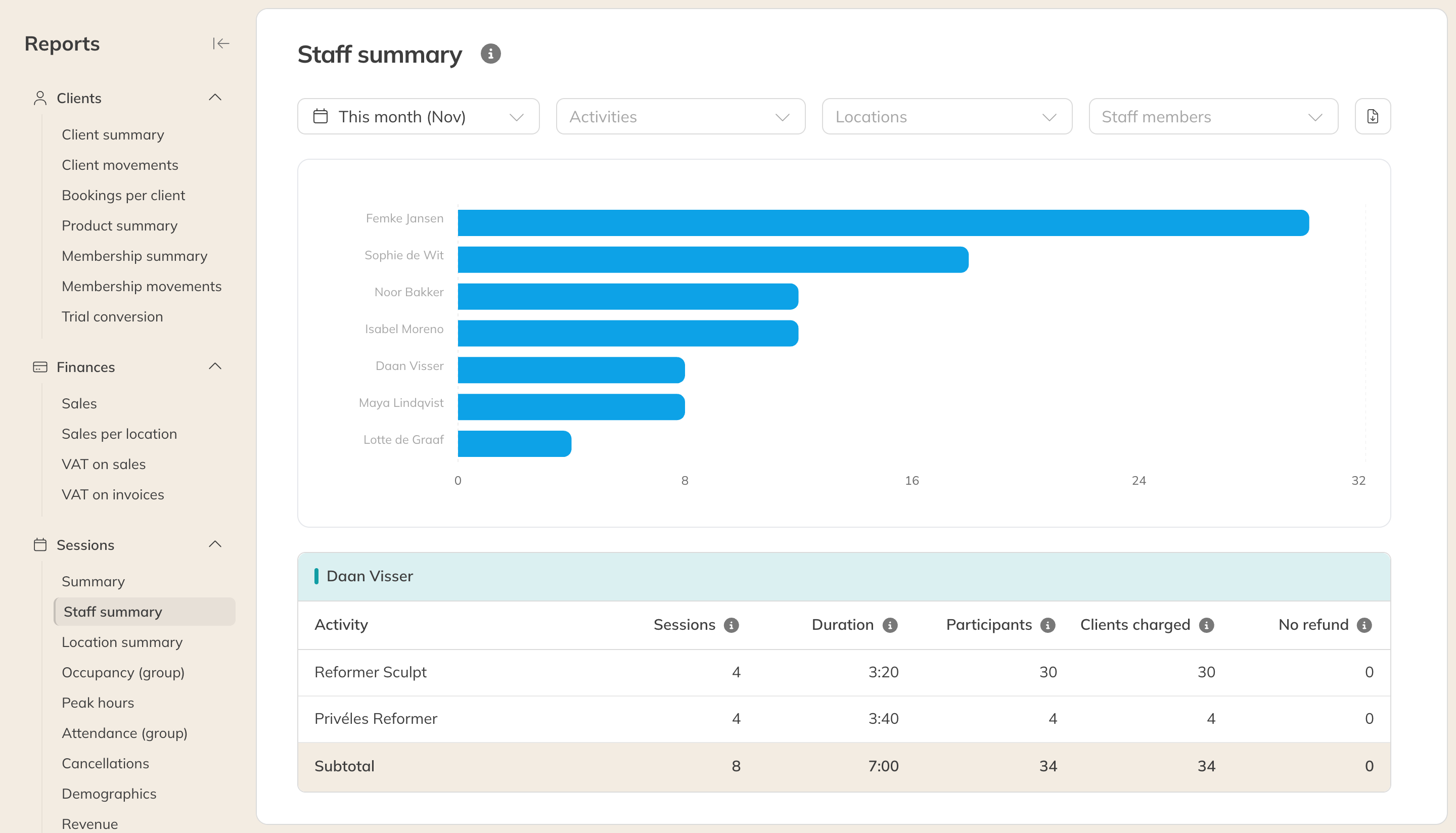
The Staff report
The columns
| Column | Meaning |
|---|---|
| Sessions | The number of sessions in the period. |
| Duration | The total duration of those sessions, in hours and minutes. |
| Participants | The number of people booked. |
| Clients charged | Participants whose credits were used, including late cancellations without a refund. |
| No refund | Staff report only: late cancellations where the credit was not returned. |
You can filter by Activities, Locations and, in the Staff report, by Staff.
Note: These reports count every type of activity, including private sessions and rentals. That's why the number of sessions can be higher than in Occupancy (group) and Attendance (group), which only count group sessions.
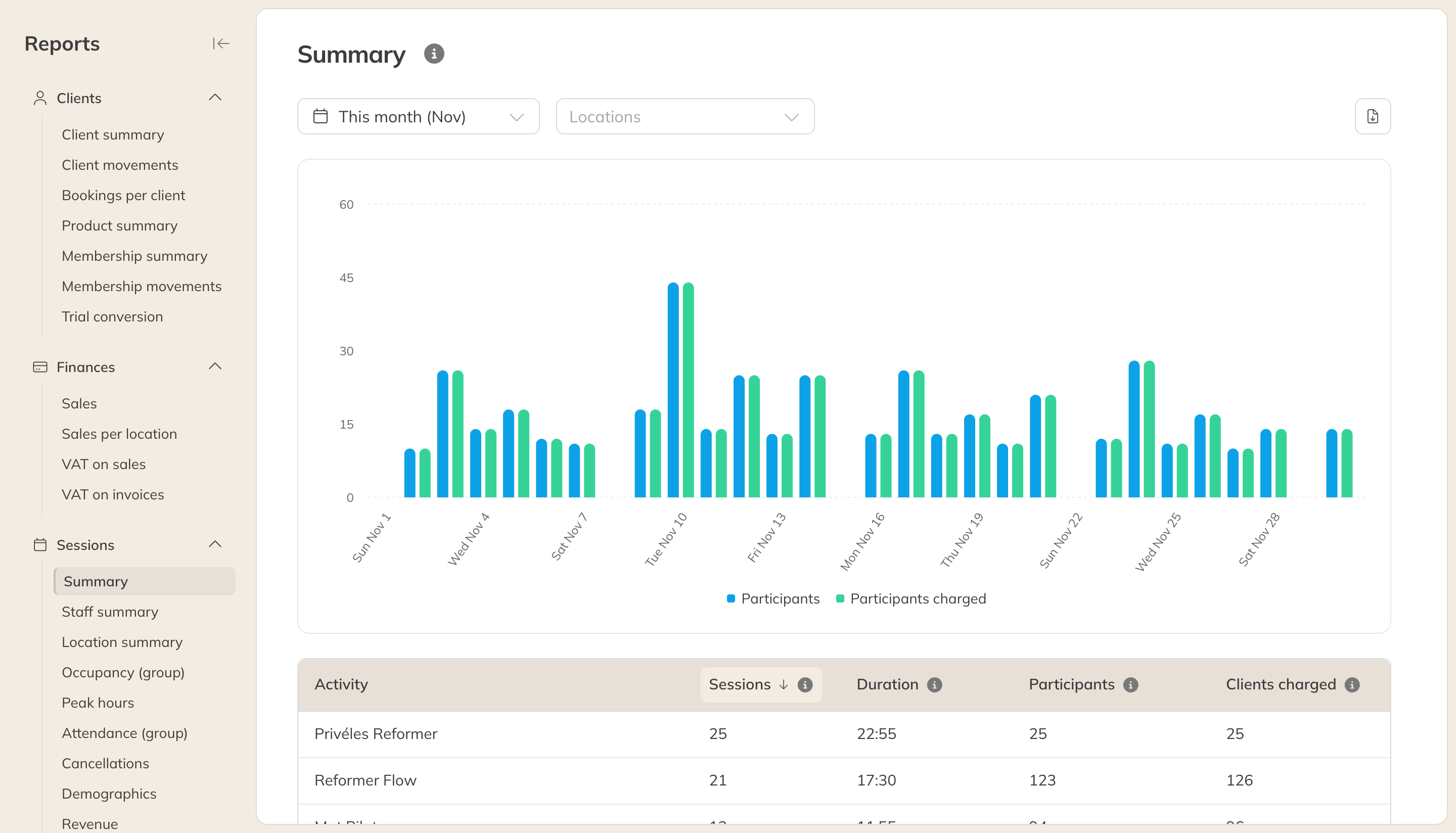
The session details