- Open the session in the calendar.
- Click Add participant and choose Existing client. With New client you create a client first; with Guest you add someone without an account.
- Look up the client. Under Product you immediately see which product pays for the booking.
- Click Add participant.
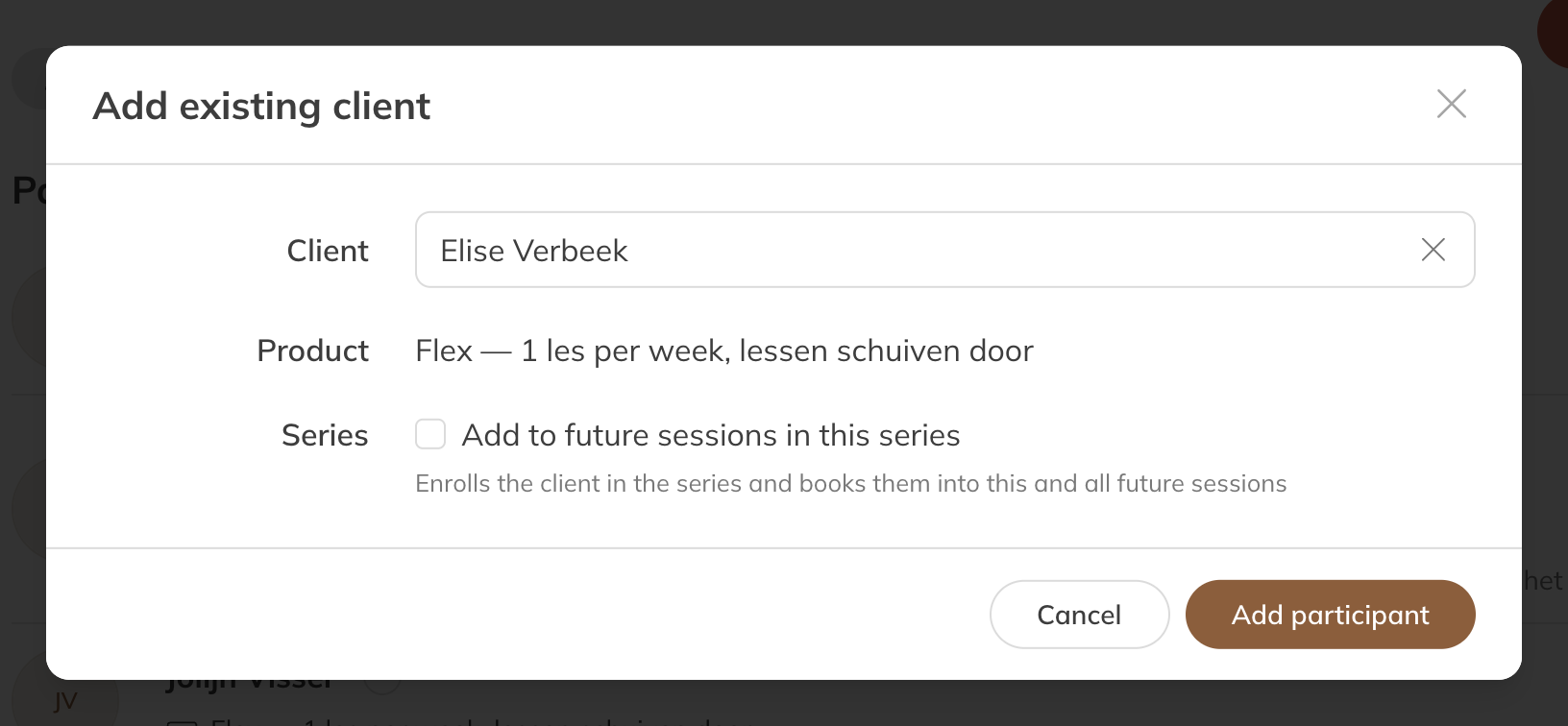
Adding a client to a session
Booking a client into the whole series
If the session belongs to a series, tick Add to future sessions in this series. The client is then booked into this session and all upcoming ones.
This option only appears if:
- the session belongs to a series;
- you have the permission Add participant to series (fixed booking);
- the client has a product that's valid for this activity, or your company allows staff to add clients without credits.
Good to know:
- With a credit pack, the client is booked into as many sessions as there are credits. The rest stay empty.
- Sessions the client is already in are skipped.
- A fixed booking in a series is always for one person.
- If a session is already full, you see Some sessions in the series are full.
Credits
Whether a credit is deducted straight away depends on your company's setting. Read When are credits deducted?