For each product, you choose under Sales channels where clients can buy it themselves. You'll find this in the product, under Product details.
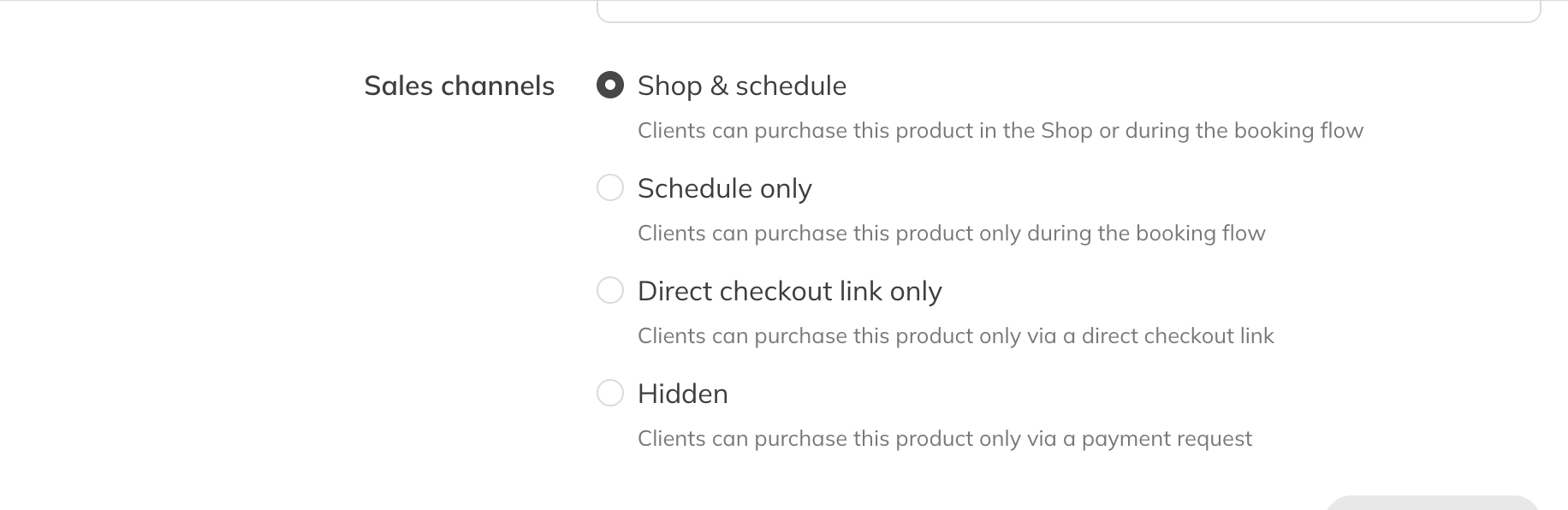
Sales channels of a credit product
Credit products
| Option | What happens |
|---|---|
| Shop & schedule | The product is in the shop and is offered when a client books a class. |
| Schedule only | Not in the shop. The client can only buy it while booking a class. |
| Direct checkout link only | Not in the shop and not when booking. Only people who have the link can buy it. See Selling a product through a checkout link. |
| Hidden | Clients can't buy it themselves. You give it to a client with Assign a product, with or without a payment request. |
Retail products
If you have the point of sale (Pro and Premium), you'll see these options for an article, bar product or other retail product:
| Option | What happens |
|---|---|
| POS & shop (default) | For sale in the shop and at the point of sale. |
| POS & unique link | Not in the shop, but available through a unique link and at the point of sale. |
| Only POS | Only a staff member can sell it, for example a cup of coffee. |
Without the point of sale, the options are called Shop only and Unique link only.
Only for certain clients
Want to show a product only to a group of clients, for example a student membership? Use Client groups. See Fixed start date, end date, client groups and age.