Client summary
How your client base looks on a given day, split by the statuses you also see in your client list: Inactive, Trial, Recent, Active, At risk, Sleeping and Stopped. This report is included in every plan.
- It counts people, not products: someone with two memberships is one client.
- A family account counts once, with the best status in the family.
- Status trend shows the split at the end of each month.
- Status movement shows how many clients moved from one status to another between the start and end of the period.
Click a status to see which clients are behind it.
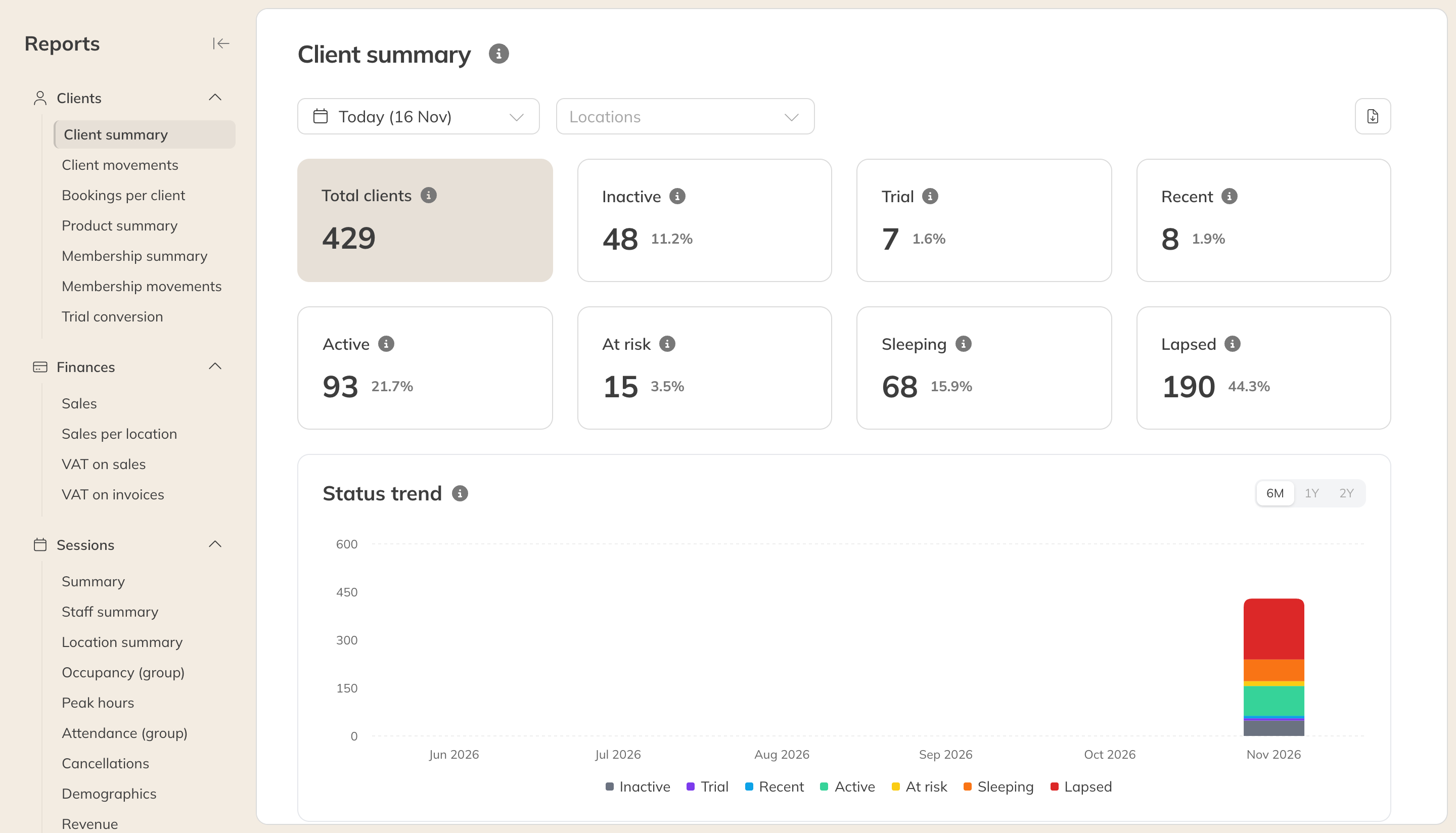
The client summary
Client movement
Who joined, who left and who stayed, over a period you choose. This report is included in the Pro and Premium plans.
| Card | Meaning |
|---|---|
| New | Not active on the day before the period, but active at the end. |
| Churned | Active on the day before the period, but no longer at the end. |
| Active at start and Net growth | The number of active clients at the start, and the difference between new and churned. |
| Growth rate, Churn rate, Retention rate | Measured against the clients who were active at the start. Churn and retention always add up to 100%. |
| Est. LTV | An estimate of what a client brings in on average: the average monthly value divided by the average monthly churn. A longer period gives a more stable estimate. |
Active here means the status Active, Recent, At risk or Sleeping. A paused client counts as having stayed. A client who joins and leaves again within the period counts as neither.