Go to Reports → Sales. This report is included in every plan. At the top, choose how to group the revenue: by Product, by Type or by Category.
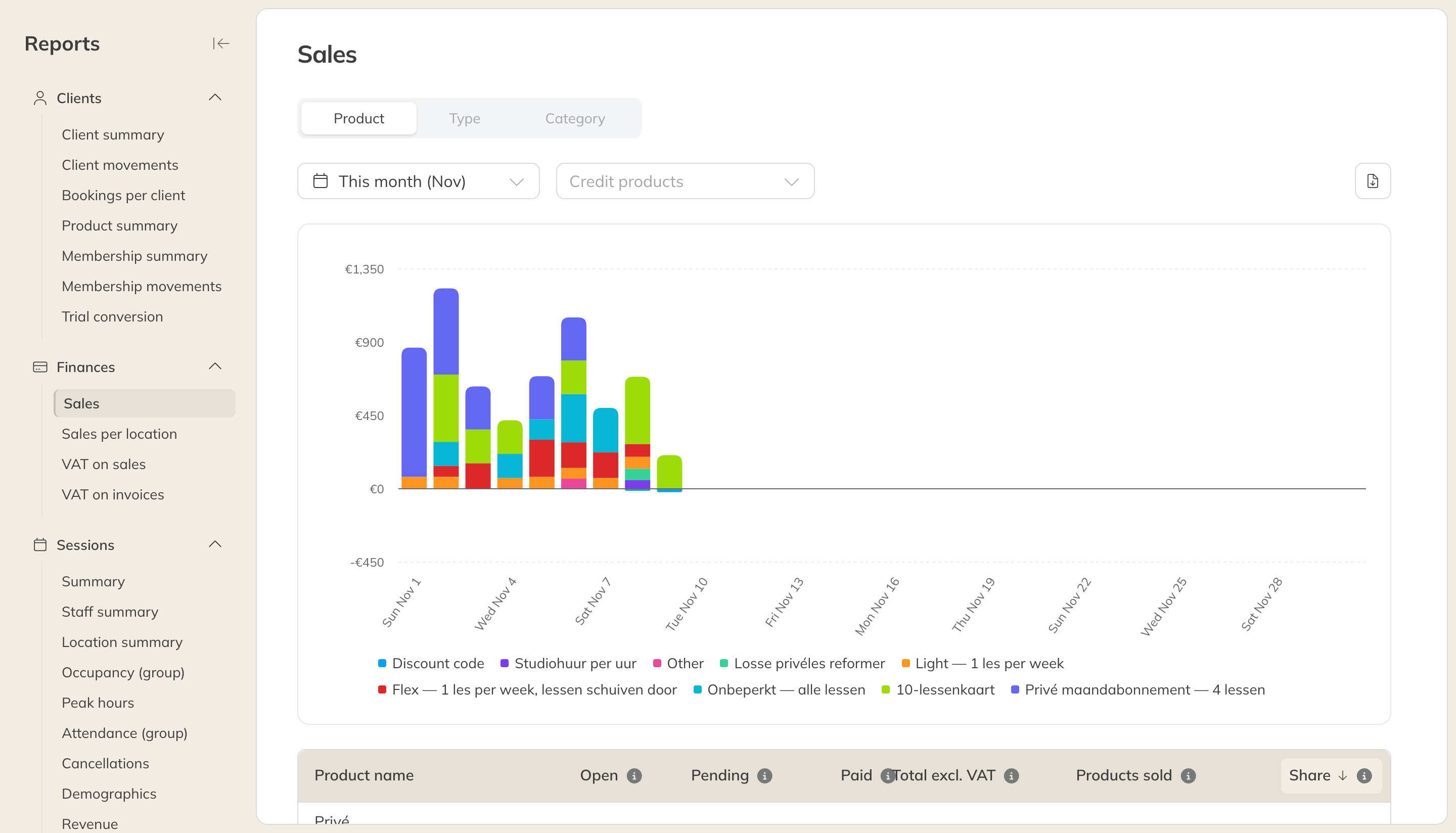
The Sales report
| Column | Meaning |
|---|---|
| Open | Sold, but not paid yet. |
| Pending | The payment has started but isn't complete yet. |
| Paid | Paid revenue. |
| Total excl. VAT | The three together, without VAT. |
| Products sold | The number of items sold. For a product with recurring payments, each payment counts as a sale. |
| Share | The share of total revenue. |
A sale counts on the order date. Cancelled orders and orders of € 0 don't count. Use the filters to choose specific credit or retail products.
Tip: Looking for individual orders? You'll find them under Finances, where you can also export all order lines.