An outstanding booking is a booking for which no credit has been deducted yet. The client is in the session, but the booking hasn't been paid.
How a booking becomes outstanding
- You added a client without credits. That's possible if Clients without credits is set to Staff may add.
- Credit deduction timing is set to Manual, or to Automatically deduct for group sessions only and it's a private session. With Deduct after session, the booking stays outstanding until the session is over.
- The client cancelled too late and didn't get a credit back, but no credit had been deducted yet.
You'll find both settings in the calendar settings; see When are credits deducted?
Viewing the list
Go to Reports → Bookings & sessions → Outstanding bookings. By default you see last month's bookings. Choose another period at the top left, for example This year, or search by name. A staff member who only manages their own sessions only sees the bookings for their own sessions.
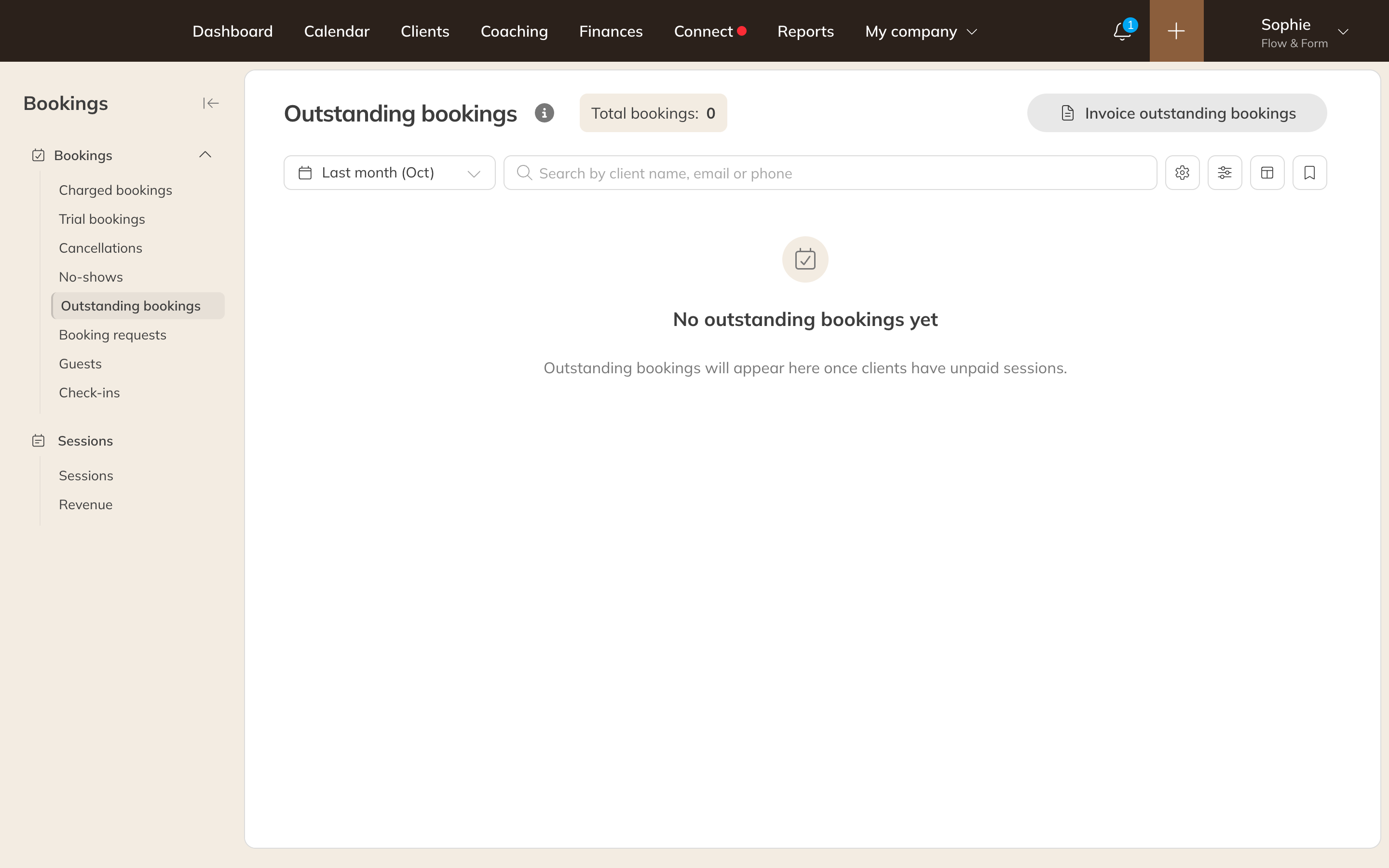
The Outstanding bookings list
Confirming with credits
- Make sure the client has a product with credits for this activity. If they don't yet, give them a product first; see Giving a client a product.
- Click the tick (Charge credits) next to the booking.
Trainin picks the client's best-fitting product and deducts the credit. The booking then disappears from the list. You can do the same with the bookings in the client's profile, via the menu next to the booking.
Note: Seeing Client has no valid credits for this activity. Assign a product to the client.? Then the client has no product that fits this activity, or their credits have run out.
Invoicing instead of credits
Prefer to charge for these sessions afterwards with an invoice? Click Invoice outstanding bookings at the top right. This takes you to the clients with outstanding bookings under Finances. Read how it works from there in Invoicing sessions afterwards, per client or in bulk.
Note: You only see Invoice outstanding bookings with the financial automation add-on (included in Premium, available separately with Pro), and if you're allowed to create invoices and payment requests.